
On this page
The half hour before the headliner
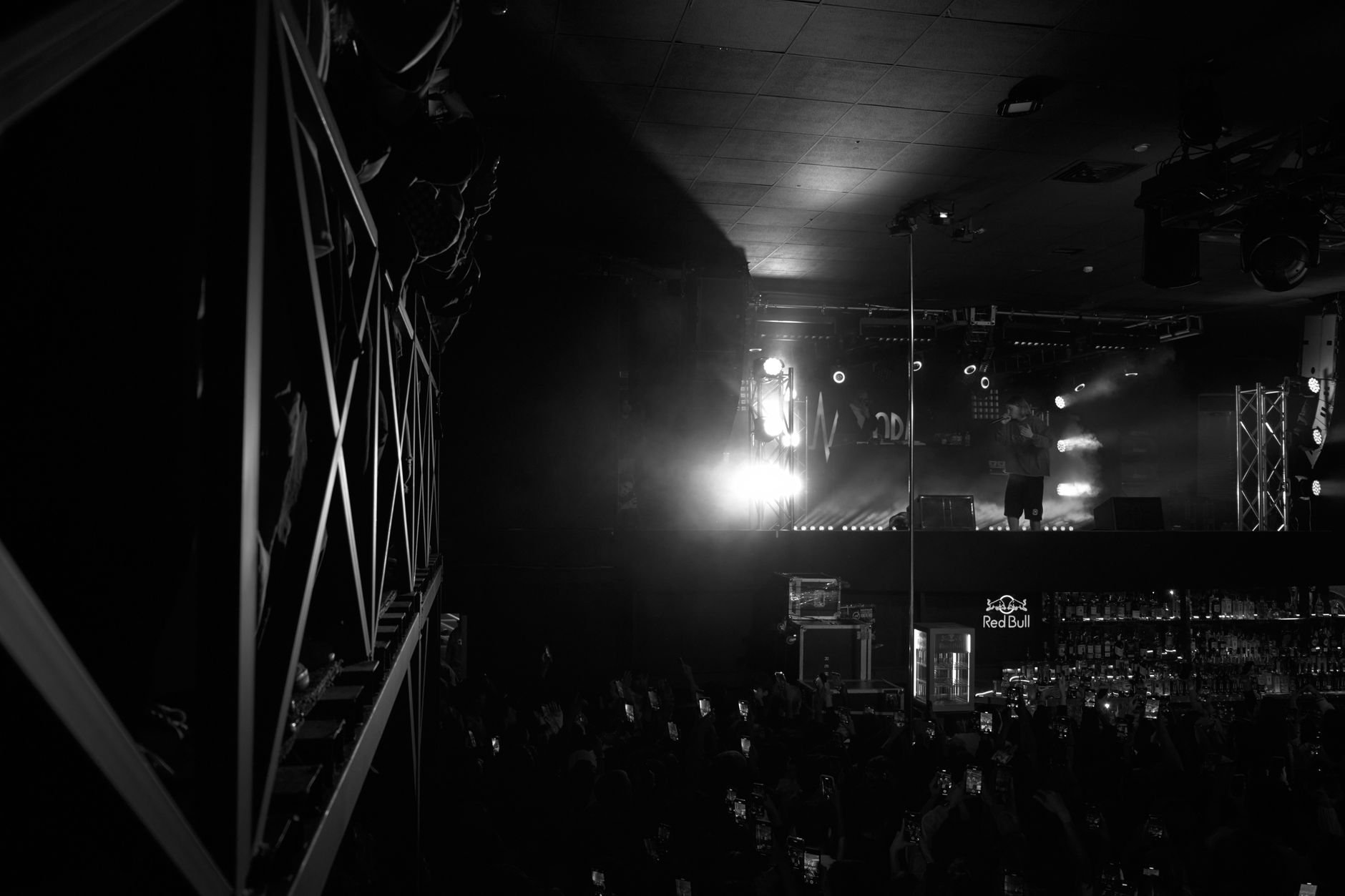
Doors open at seven. The opener goes on at eight, the headliner around nine-thirty, and in between your bar is three deep with people who have nothing to do but wait, order and check their phones. Somewhere in that crowd, a few hundred fans care about the game that started an hour ago. That is the case for a concert venue bar TV. The case against it is just as real. Nobody bought a ticket to watch a glowing rectangle over the well while the band plays its quietest song.
The answer for most music venues is not on or off. It is when and where. Screens can earn their wall space during the long stretches when the stage is empty. They should step aside when the stage is not. The venues that get this right decide it before doors, not in the middle of a set.
When bar screens add value at a music venue
A live music room has more downtime than people remember. Doors, line check, changeovers and the slow drain after the encore can add up to more time than the headliner's set. During those windows, bar screens do useful work:
- They hold people inside. On a night when a big game overlaps the show, fans who can't follow the score at your bar may wander to the place down the street and come back late, or not at all. A captioned game on a few screens keeps them, and their bar tab, in the building.
- They spread out the bar crowd. Screens placed at the ends of the bar or in a side lounge draw people away from the middle of the rail. That can ease pressure on bartenders during the rush between sets.
- They carry your own message. Upcoming shows, drink specials, merch location, re-entry rules and the night's set times are all fair game during doors and changeovers. A guest who sees next month's lineup while waiting for a drink may leave with a reason to come back.
- They give the early crowd something to do. The people who show up right at doors often come for the opener or a good spot on the rail. A muted game or a venue slide loop makes a long wait feel shorter.
If you're already thinking about promos, the same principles apply as in a sports bar. A dedicated screen outside the main sightlines works better than taking over every TV, as covered in our piece on showing specials on bar TVs between games.
When live music venue TVs should go dark
The moment the room's attention belongs on stage, a bright screen becomes a distraction. That includes screens the band can see from the stage, too. A few situations call for dark or blank screens almost every time:
- The headliner's set. Any screen visible from the floor or the stage should be off, dimmed to a black slate or switched to a static venue logo.
- Quiet or acoustic moments. A fast-moving sports broadcast in peripheral vision competes with a solo performer far more than it does with a loud rock set.
- When the act or promoter asks. Some touring acts and promoters have preferences about screens in the room. Ask during the show advance, and treat a request for dark screens as part of the production, not a favor.
- Seated or theater-style shows. When the audience faces the stage in rows, a lit screen near the bar can be visible to every seat behind it.
Screens in a separate lobby bar, patio or lounge with no line of sight to the stage are a different story. Those can often stay on, captioned and muted, for the whole night. That gives fans who step out for a drink a way to check the score without bringing it into the showroom.
A show-night plan for venue bar pre-show TV
Write the plan down once, then reuse it every night with small changes. Here is a starting point many rooms can adapt:
| Show phase | Screens visible from the floor | Lobby, patio or side-lounge screens | TV audio |
|---|---|---|---|
| Doors | On: game with captions, or venue info loop | On | Off; house music plays |
| Opener | Dim or switch to venue logo | On | Off |
| Changeover | On: scores, upcoming shows, specials | On | Off |
| Headliner | Dark or black slate | On, muted and captioned | Off |
| Encore and exit | Back on as house lights come up | On | Off |
Two details make this work. First, TV audio stays off all night. Your PA and house music own the sound in a music venue, and a second audio source near the bar only muddies both. Second, the switch is tied to a production cue, not a clock. Set times drift. A power-on timer that lights up screens at a fixed hour, the kind described in our guide to turning on all TVs at once, is useful for doors. But the go-dark moment should follow the stage manager's call, not a schedule.
If your venue has distinct areas, plan each one as its own zone with its own programming and rules. Our multi-zone TV venue setup guide walks through how to separate a showroom bar from a lobby or patio so each can run on a different plan.
Making the switch easy for staff
The best plan fails if the bartender has to hunt for six remotes while the house lights drop. Keep the mechanics simple:
- Name one owner per shift. Usually the bar manager or a lead bartender. They get the cue from the stage manager and handle every screen.
- Group screens by what happens to them. Label the remotes or the control panel "goes dark" and "stays on" so nobody has to remember which TV is which.
- Preset the channels before doors. If a game is on, every receiver should already be on the right channel before the first guest walks in, so the changeover is a single action.
- Lock requests during the headliner. A guest asking to put the game back on mid-set gets a friendly, practiced answer and a pointer to the lobby screen. Our article on handling customer channel requests at the bar has scripts staff can borrow.
- Do a sixty-second check at line check. Every screen powers on, shows the right input and responds to its remote. Small problems found at six o'clock don't become big ones at nine.
That last habit is worth building into your routine. The guide to training staff on bar TVs covers the small checks that prevent most show-night trouble.
Getting the programming and equipment right
None of this works if the screens can't show what your crowd wants during doors and changeovers. A venue serving the public needs a commercial programming account set up for the way its screens are viewed, not a consumer subscription. Consumer service is designed for private homes, not for a business showing television to guests. The right setup depends on things like capacity, how many screens need independent channels, and whether some areas show the same feed. Those details are worth confirming with a specialist before a busy season.
As one of the Original 6 Commercial DIRECTV dealers, Sports Direct | DLM Media helps entertainment venues match commercial business TV programming to how their rooms are used, from a single bar to a multi-room venue. Our services cover programming, equipment, professional installation and ongoing support, with technicians and engineers in all 50 states and one point of contact. If you're weighing whether bar screens fit your room, or how to set them up so they disappear when the band walks on, start a conversation with our team. We'll talk through your floor plan, your calendar and what your crowd actually watches.