
On this page
Why the slow weeknight is the opportunity
Most operators know their sports calendar by heart. The harder problem is a Tuesday in late winter or a Wednesday in the summer lull, when the bar rail is half empty by eight and the kitchen is mostly cooking for staff. Those nights don't need another drink special. They need a reason for people to show up at a specific time.
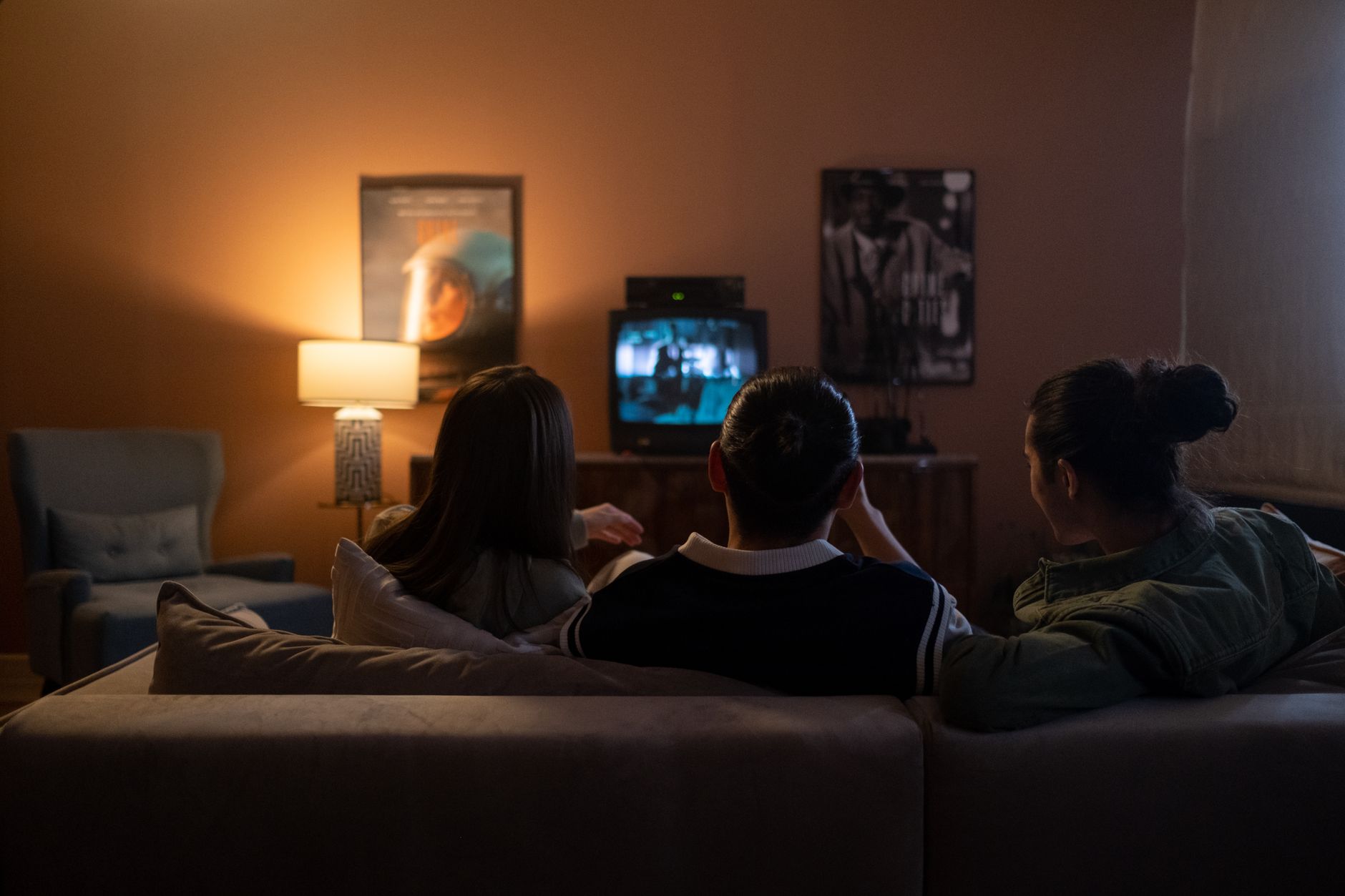
Live non-sports television gives you that reason. Award shows, scripted season finales, reality competition finales and big live specials share what makes a game work in a bar: they happen once, at a set time, and people want to watch them with others who care. When you host a watch party at your venue around one of these moments, you're selling the shared reaction. Think of the gasp at an upset win or the group groan at a cliffhanger. Nobody gets that alone on a couch.
The crowd is often different from your game-day regulars, too. Groups of friends, coworkers and fan communities who rarely come in for sports will book a table for a finale. That means new faces on a night that otherwise wouldn't see them, and a chance to turn them into regulars. For a broader look at filling quieter stretches, see how to keep bar TVs earning their wall space during the off season.
Which live events make a good night out
Not every broadcast deserves a promotion. The strongest candidates have a built-in audience that already talks about the show online and at work, a clear start time, and a payoff people want to see live rather than catch up on later.
| Event type | Why it draws a crowd | What to watch for |
|---|---|---|
| Award shows | Predictions, fashion, surprise winners; easy to turn into a game | Long run time with slow stretches, so plan the pacing |
| Scripted season finales | Loyal fans who dodge spoilers and want to react together | Narrower audience; works best for shows with a strong local following |
| Reality and competition finales | Rivalries, voting and a winner revealed live | Fans can be split; know your crowd before you theme the whole room |
| Live music and concert specials | Pairs well with drinks and a looser atmosphere | Audio matters more; often a better fit for a lounge than a dining room |
| Countdown and holiday specials | A natural anchor for a reserved or themed evening | You're competing with every other venue's plans that night |
| Talent shows and pageant finals | Scorecards, group voting and friendly arguments | Confirm the broadcast is on your lineup before you announce it |
Before you commit, confirm that the event is actually available in your venue. Some live specials air on channels you already carry; others are distributed in ways that may not be set up for public viewing in a business. That depends on the event and on your account, so check with your programming provider rather than assuming. It's also worth confirming exactly when the broadcast airs in your time zone, since that sets your whole evening.
Build the night around the broadcast
A themed night doesn't need a big budget. It needs a few touches that make guests feel they came to something, not just to a room where a TV happened to be on.
- Ballots and scorecards. Print prediction cards for award shows and competition finales. Collect them before the show starts and give a modest house prize to the best score.
- A short themed menu. Two or three named cocktails and a couple of shareable plates tied to the show are enough. Keep the kitchen's regular rhythm intact so the special night doesn't slow down every other order.
- A pre-show window. Open seating well before the broadcast so groups can settle, order and talk. Pre-show coverage or a recap of the season works as a warm-up on the screens.
- Commercial breaks as service windows. Brief servers to drop checks, take refills and run trivia during breaks, not during the reveal everyone came to see.
- House rules for finales. A light-hearted spoiler policy, such as no reading results aloud from phones on a delayed feed, keeps the room fun.
- Reserved sections for groups. Fan clubs, office groups and friends planning ahead will book if you make it easy, and that tells you your headcount before the night.
Set up screens and sound for a talk-heavy show
Sports read well with the sound off. Award shows and finales don't. Acceptance speeches, a host's jokes and the dialogue in a final scene are the whole point, so the room has to be set up for listening in a way a game night never asks for.
- Give the event audio to one zone. Put the watch party in a defined area, such as a back room, a section of the bar or a lounge, and give that zone the show's sound. Keep other areas on their usual programming or music. Our guide to multi-zone TV venue setup covers how to split programming, sound and control by area.
- Turn on captions everywhere in the event area. Even with audio, a busy room drowns out quiet moments. Captions let guests follow along from the bar rail and the far tables. More on that in our piece on closed captions in restaurants and bars.
- Rethink sightlines for a seated crowd. A group watching one broadcast wants to face the same screens. Check every seat in the event zone has a clear view, using the same approach as a bar TV placement layout.
- Pause the background music. Music and dialogue fight each other. If you normally run a playlist, plan when it stops and when it comes back after the show. See how to manage restaurant background music and TV audio without the clash.
- Test before the night. Tune every receiver in the zone to the right channel a day or two ahead, confirm the audio routes where you expect, and make sure whoever runs the night can change all the screens quickly.
Promote it like an event, not a TV listing
"Finale on our screens tonight" won't move anyone. "Finale watch party: ballots, themed cocktails and the back room reserved for fans" will. Treat the night the way you'd treat a ticketed event.
- Announce it early on social channels, your email list and table tents, so groups can plan around it.
- Reach fan communities directly. Local fan groups and online forums often look for a place to watch together.
- Take reservations for the event zone, even if walk-ins are welcome elsewhere.
- After the night, compare covers, average check and new faces against a typical night in the same slot. That tells you whether to repeat it.
Once one night works, build a calendar. Plot award season, finale weeks and live specials into the gaps in your sports schedule so the quiet weeks always have something on the board. Our event-week TV planning timeline is a useful framework for the run-up to bigger nights.
Next step: check what your lineup can carry
The best theme in the world won't help if the broadcast isn't on your screens. Before you print ballots, confirm three things: the channels you carry today, whether the specific events you have in mind are available for viewing in your venue, and whether your setup can give one zone its own audio while the rest of the room carries on.
If any screen is still running on a residential account, fix that first. Consumer service is set up for private viewing, not for a room full of paying guests, and a commercial account is built for business use. A specialist can confirm what your venue needs.
As an authorized commercial dealer for 30+ years, Sports Direct helps bars and restaurants and entertainment venues plan programming, equipment and installation across every zone. If you'd like a second opinion on your lineup or setup, you can reach a programming specialist or call New Sales at 888-688-1699.