
On this page
- Who Should Plan the Entrance Screen, and What to Decide
- The Three Jobs of a Gym Lobby TV
- Live Programming vs. Club Messages: How to Mix Them
- Placement, Sound and the Gym Front Desk Screen
- A Simple Daypart Plan for the Entrance
- Common Mistakes at the Fitness Center Entrance
- What to Ask a Provider Before You Commit
Who Should Plan the Entrance Screen, and What to Decide
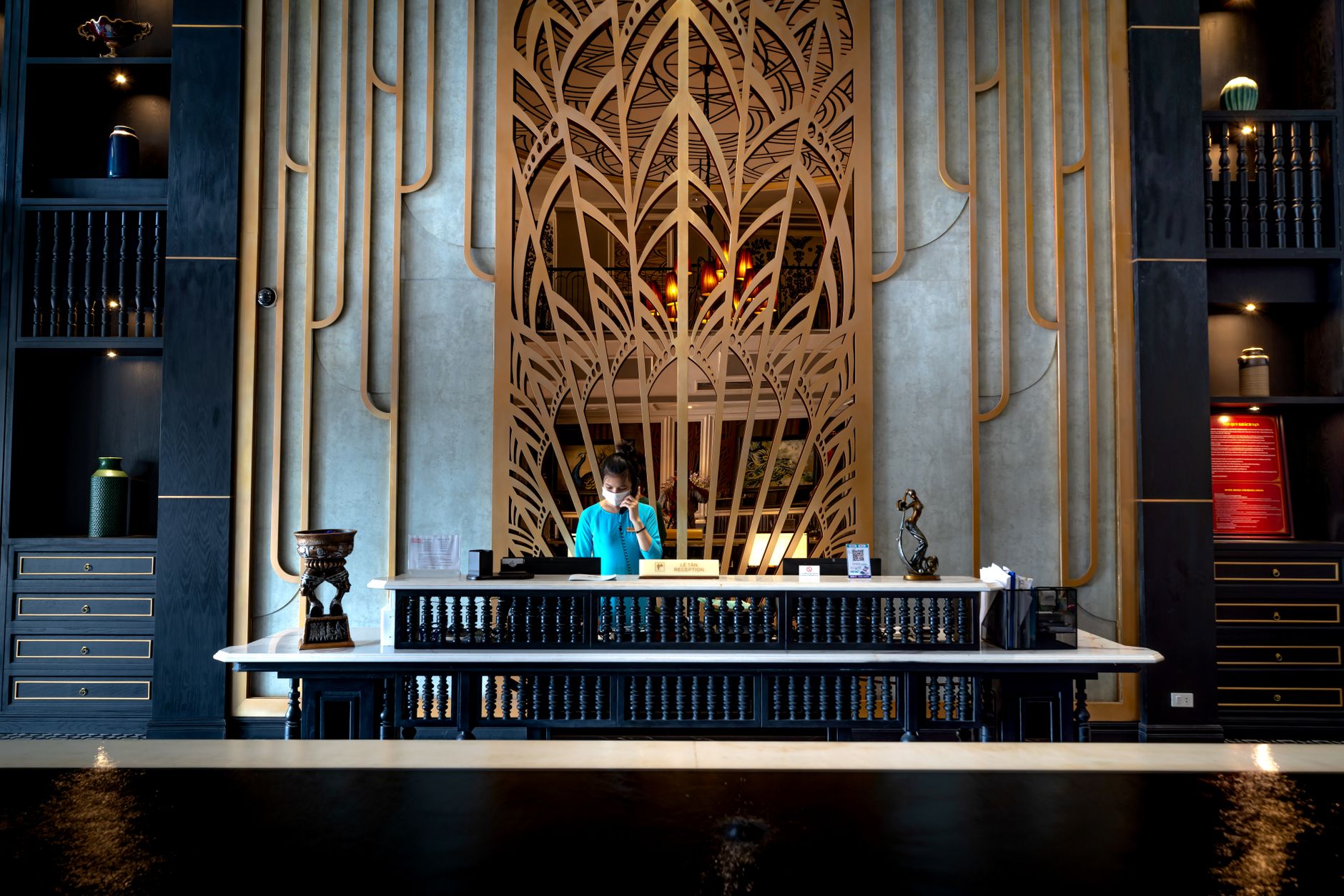
If you own, manage or open a gym, studio or fitness center, the screen near your front desk is the first thing a member sees after the door closes behind them. The most useful gym lobby TV ideas start from that moment. A regular walks in with a bag on one shoulder, scans a key tag and heads for the floor in a few seconds. A first-time guest stops, looks around and waits for someone to greet them. The same screen has to work for both.
This is written for the people who make that call: owners, general managers, front-desk leads and operators rolling out a standard across several locations. By the end you should be able to decide:
- What the entrance screen shows at different times of day
- How to split live programming and club messages, on one screen or two
- Where the screen goes and whether it has sound
- Who on staff owns it, and what to ask a provider before you sign anything
The rest of the building is a different problem. Cardio rows, locker rooms and group studios each have their own rules, and those are covered in our pages on cardio area TV setup and whether a locker room TV is worth it.
The Three Jobs of a Gym Lobby TV
An entrance screen does three things. When they conflict, the order matters.
- Keep check-in moving. Nothing on the screen should pull a member's eyes away from the scanner, make staff raise their voices, or cause a small crowd to stall in the doorway.
- Tell members something useful. Tonight's class changes, a holiday schedule, a towel-service update, the start date of the next challenge.
- Set the energy. A screen with live, moving programming makes a lobby feel open and active. A black or frozen screen makes it feel like the club is not quite awake.
Speed wins every tie. Picture the after-work rush: a line of six or eight members, a new guest asking about a day pass, and a phone ringing. If the lobby TV is playing a loud live broadcast, the front desk is now shouting over it. If it is showing a captioned news feed with a rotating class schedule nearby, it fills the wait without adding noise.
Returning members glance, new members read
Regulars give the screen a second or two on the way past. They want a headline, a score or a weather check, and maybe a reminder that the pool closes early on Sunday. New members and people on a tour stand still longer. They read the screen as a signal of how the club is run: current, tidy and organized, or stale. Plan for the glance first, then make sure anything a prospect might read closely is accurate and up to date.
Live Programming vs. Club Messages: How to Mix Them
Most clubs land on a blend. The question is which content does which job, and when.
| Content | What it does at the entrance | Honest trade-off | Where it fits best |
|---|---|---|---|
| Captioned live news and weather | Quick, useful glance on the way in; feels current | Breaking stories can be heavy; someone should be ready to change the channel | Early mornings and lunch hours |
| Live sports | Strong energy, a talking point for regulars | Pulls attention and invites lingering at the desk; tempting to turn the sound up | Weekends and quieter afternoons, captioned and muted |
| General-interest or lifestyle programming | Calm, inoffensive background with motion | Lower energy; easy to ignore | Mid-day, family hours, tour-heavy times |
| Club messages (schedule, closures, challenges) | Information members actually act on | Goes stale fast if nobody updates it | All day, beside or alternating with live content |
| Promotions (training packages, referrals) | Supports sales at the point where prospects stand | Too many feels pushy, especially to members who already pay | In small doses, mixed into club messages |
Three ways to put it on the wall
- Two screens side by side. One carries live programming, the other runs club messages. This is the clearest setup and the easiest for staff, because neither screen has to switch. The trade-off is more hardware and more wall space.
- One live screen plus a small message display at the desk. The big screen sets the energy from the doorway; a smaller display at eye level near the scanner handles the details. Good for lobbies where the desk faces the entrance.
- One screen that changes by time of day. Live programming during rushes, club messages during slower stretches. It can work in a small studio, but it depends on someone switching it on schedule. In practice, this is the setup most likely to drift.
Rules for club messages
- One idea per slide, readable from the door.
- Short rotation, so a member in line sees the full set before reaching the desk.
- Assign one person to review messages every week and remove anything that has expired.
- Keep promotions to a minority of slides. Members tune out a screen that only sells.
Placement, Sound and the Gym Front Desk Screen
Where the screen sits decides how well every other choice works.
Sightlines
Mount the live screen where it can be seen from the doorway and from the line, not only from the desk itself. Behind the desk is common and usually fine, but staff then cannot see what is on. If you go that route, make sure the front desk can check the screen without turning around, whether that is a second small display or simply a habit of looking up between check-ins.
Watch for glare. Many gym entrances have glass doors or a wall of windows, and a screen facing them can be unreadable on a sunny afternoon. Check the angle at different times of day before the mount goes in.
Sound
For most fitness center entrance TVs, captions on and volume off or very low is the right default. The front desk handles billing questions, membership freezes and guest sign-ins, and those conversations should not be shouted. If the lobby already plays the club's music, a second audio source adds noise rather than energy. Save loud live audio for spaces built for it, such as a café or lounge area away from the desk.
Control
Decide who can change the channel and how. A remote left on the counter becomes a remote anyone can use. A staff-only remote, plus a short list of approved channels by daypart, keeps the lobby consistent from shift to shift.
Placement checklist
- Visible from the doorway and the check-in line
- Not facing direct sun through glass
- Captions enabled and readable at a distance
- Volume default agreed and written down
- Staff-only remote, stored in the same place every shift
- Message display at eye level near the scanner if you use one
- Power and cabling hidden and secured, away from member traffic
A Simple Daypart Plan for the Entrance
A lobby screen does not need a complex schedule. It needs a few defaults that staff can follow without thinking.
- Opening and early morning: captioned local news and weather. Early members want to know what happened overnight and what the day holds. Our page on early morning gym TV programming goes deeper on that crowd.
- Late morning and mid-day: calmer general-interest programming, with club messages more prominent. This is when tours, new sign-ups and family visits tend to happen.
- After-work rush: captioned news or muted live sports, with class and capacity messages front and center. The goal is a fast line.
- Evenings and weekends: live sports can take the lead, captioned, as long as it does not pull members into a crowd at the desk.
- Unstaffed or late-night access hours: a steady, low-drama channel and safety or access messages. Avoid content that would need a staff member to manage.
For multi-location operators, write this plan once and use it everywhere. A member who visits a second location should find the lobby familiar, and your managers should not each be inventing their own rules.
Common Mistakes at the Fitness Center Entrance
- Turning the lobby into the sports bar. On a big game night, the lobby fills with people watching instead of working out, and the line backs up. Put the big game on the cardio floor or in a lounge, and keep the entrance captioned.
- Messages that expire unnoticed. A holiday closure still on screen in the new year tells every visitor that nobody is paying attention.
- Too much text. A dense slide is skipped. Two short lines beat a paragraph.
- The same channel on every screen. The lobby has a different job from the floor. Matching everything can make the entrance feel like an afterthought.
- Using a personal or residential account. Consumer subscriptions and personal streaming logins are set up for private viewing, not for screens in a business open to members. What your club needs depends on the space, so confirm the right commercial account with a specialist.
- Nobody owns the screen. If it is everyone's job, it is no one's. Name one person per location.
- Ignoring the screen when it fails. A frozen picture or an error message on the first screen a guest sees is worse than a dark one. Staff should know what to try first; our error code help is a reasonable starting point.
What to Ask a Provider Before You Commit
The screen is only as good as the account and the support behind it. Before you choose, ask:
- Is this a commercial account suited to a fitness business, and does it cover the lobby, the floor and any lounge?
- Can different screens carry different programming at the same time, so the lobby is not locked to the cardio row?
- How are channels changed, and can we limit what staff and members can select?
- What does installation include: mounting, cabling, captions set up and tested?
- How do we get help when the lobby screen goes down during the after-work rush, and who do we call?
- If we have several locations, can we keep one plan and one account structure across all of them?
- How does programming get reviewed as our schedule or member base changes?
Sports Direct | DLM Media is an authorized commercial dealer and one of the original six commercial DIRECTV dealers, with 30+ years of experience and technicians and engineers in all 50 states. You can see how that fits fitness facilities on our commercial TV for gyms and fitness centers page, review our programming, equipment and installation services, or talk with a programming specialist about your entrance and the rest of your floor.