
On this page
Who this is for and what you can decide
This is for parks and recreation directors, facility supervisors and the IT or facilities staff who end up owning the screens in a public building. If you are planning a new recreation center TV setup, or the current one causes daily remote fights and complaints about noise, the sections below help you settle four things for each room: what plays, how loud it gets, who controls it, and what happens when something goes wrong.
A rec center is not one audience. The lobby serves everyone: parents waiting on a swim lesson, seniors checking in for a class, a resident paying a field rental fee. The fitness room serves adults on a workout clock. The teen lounge serves young people after school, with staff responsible for what they see. One policy cannot cover all three, and treating the building as a single zone is how most rec center TV problems start.
By the end you should be able to fill in a simple one-page plan per room and hand it to staff, your IT team and a programming provider.
A room-by-room framework for your recreation center TV setup
Start with each room's job, then let programming, sound and control follow from it. The table below is a starting point; adjust it to your hours, your community and your staffing.
| Room | The screen's job | Programming | Sound | Who controls it |
|---|---|---|---|---|
| Lobby and front desk | Make waits feel shorter, share useful local information | Local news, weather, calm general-interest content, facility announcements | Muted, captions on | Front desk staff only |
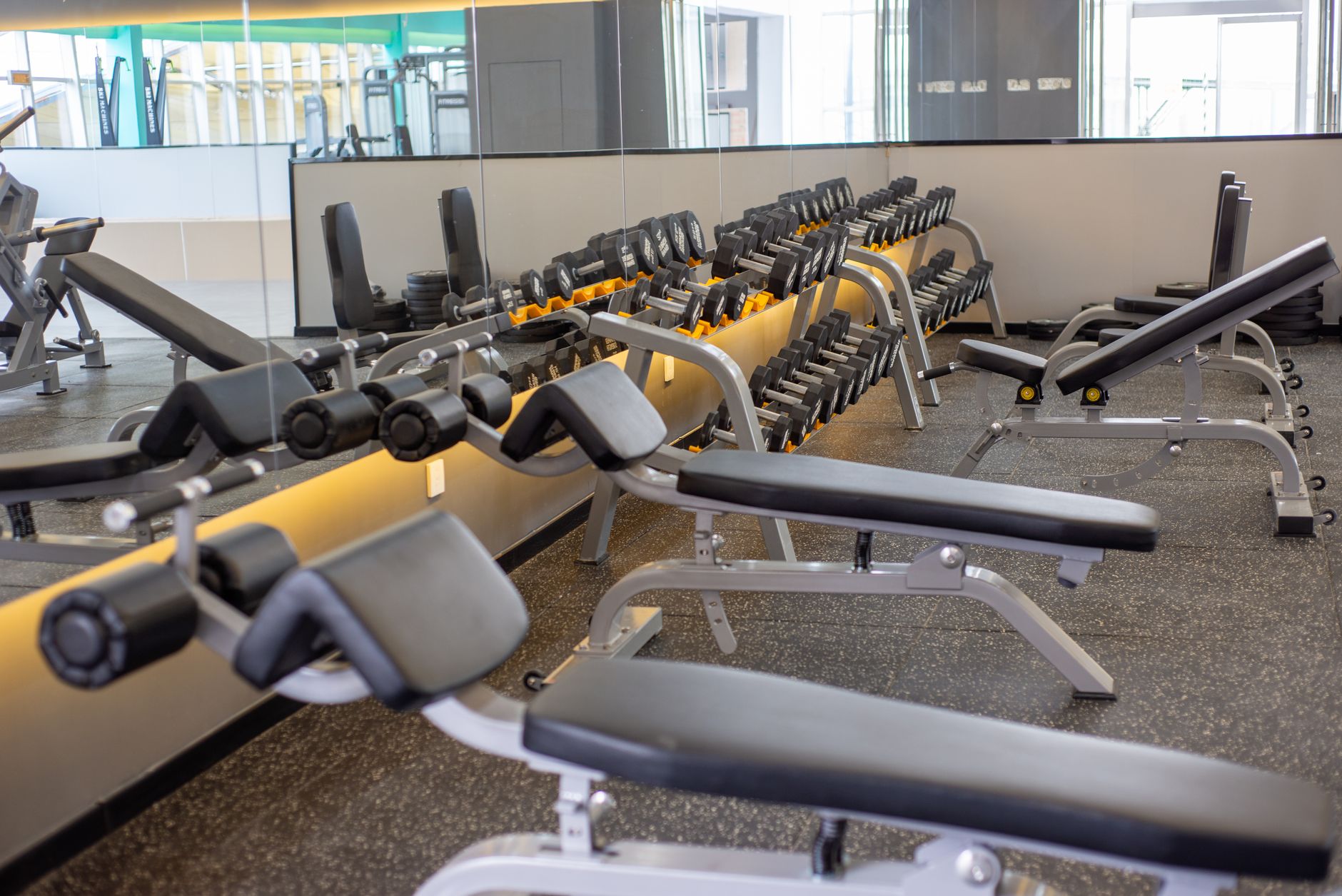
| Fitness room | Keep members company during a workout | Sports, news, upbeat general entertainment, a different choice on each screen | Muted with captions, or personal audio | Staff, with a posted way for members to request a change |
| Teen lounge | Give teens a place to hang out while staff stay in charge | Sports and age-appropriate entertainment from a short approved list | Low, capped volume | Staff hold the remote; teens choose from the list |
| Multipurpose room or gym | Flexible: events, watch parties, presentations | Whatever the booking calls for | Room audio when in use, off otherwise | Event lead or staff |
| Staff break room | Downtime for employees | Staff preference within building policy | Low | Staff |
Two things in that table matter more than they look. First, every room with a different job needs its own feed, which usually means its own receiver. Second, "who controls it" is a staffing decision as much as a TV decision. If nobody owns a screen, the public will.
For a deeper look at planning by zone rather than by screen, our multi-zone TV venue setup guide walks through the same logic for larger venues.
Programming, volume and captions for each room
Parks and rec lobby TV
The lobby is the most public space you have, so it should be the most neutral. Local news and weather earn their place here: a parent deciding whether the evening soccer game will be rained out, or a walking group checking the forecast, gets real value from it. Calm general-interest programming fills the rest of the day.
What to avoid is anything a resident could reasonably read as the city taking a side. Heated political debate shows, crime-heavy talk formats and late-day programming with mature themes create complaints you do not need. If your city produces its own community bulletin or signage content, plan an input for it so the lobby screen can rotate between live TV and facility announcements without a staff member swapping cables.
Keep lobby screens muted with captions on. Front desks are where people ask questions, sign waivers and make phone calls, and a TV competing with that conversation is a service problem. Our government lobby TV programming guide covers public waiting areas in more depth.
Community center fitness room TV
Fitness room viewers are the easiest audience to please and the hardest to please all at once. Someone on the treadmill wants the game, the person next to them wants the news, and the strength area does not want any TV noise at all. The practical answer is variety across screens rather than one channel everywhere: one screen on sports, one on news, one on general entertainment.
Sound is the real decision. Your options, roughly:
- Muted with captions. Simple, quiet and fair to everyone. Members who want sound cannot get it.
- Personal audio. Members listen through their own headphones via a wireless audio system. More equipment to plan and support, but the room stays quiet.
- Room audio on one screen. Works only if the fitness room has no group classes, no background music and no shared wall with a quiet space. Rarely the right call in a public building.
If the fitness room sits next to a group exercise studio, assume sound will bleed through doors and walls. Plan screens so instructors are never competing with a TV. Our piece on gym TV setup for the cardio area covers sightlines from the machine and zoning in more detail.
Teen lounge TV programming
The teen lounge is where programming rules matter most, because staff are responsible for what minors see in a public building. The approach that tends to work is a short approved list of channels, built by staff and reviewed occasionally, with teens free to vote or ask within it. That gives teens real choice without turning the remote into a staff-versus-teen standoff every afternoon.
Most commercial receivers offer locks by rating or by channel. Use them as a backstop, not as the policy; a lock does not replace a staff member who knows the room. Confirm with your provider which control options your specific equipment supports.
If the lounge has game consoles, plan for them at install. Decide whether the console shares a screen with live TV (and who switches inputs) or gets its own display. Mixing both on one screen without a rule is a reliable source of arguments. Cap the volume low enough that a staff member can talk to the group without raising their voice.
Remote control rules that survive staff turnover
Rec centers run on part-time staff, seasonal hires and rotating shifts. Whatever rules you write need to work for someone on their second day. A few principles help:
- Keep remotes out of public reach. Lobby and fitness room remotes live at the front desk or in a staff office, not on a shelf under the TV.
- Set a default channel for each screen. When the building opens, every screen goes to its default. Anyone can reset a room by putting it back to the default.
- Cap volume at the display where you can. Many commercial-grade displays offer a locked mode that limits maximum volume and disables front-panel buttons. Ask whether your screens support it before you buy or reuse them.
- Post a one-page card per room. Default channel, approved alternates, volume ceiling, captions setting and who to call if the picture drops. Tape it inside the staff office, not on the TV.
- Give members a polite way to ask. A line on the card such as "ask the front desk to change the fitness room screens" heads off people hunting for buttons.
The office break room TV rules page uses the same one-card idea for workplaces; much of it carries over to staff spaces in a rec center.
Honest trade-offs and common mistakes
No layout is perfect. These are the trade-offs worth discussing with your team before you commit:
- More receivers vs. simpler support. A receiver per room gives each space its own programming, but it means more equipment to manage. One receiver feeding several rooms is simpler but puts the same channel everywhere, which almost never fits a rec center.
- Teen choice vs. staff control. Too much control and the lounge feels like a classroom; too little and staff spend the afternoon refereeing. An approved list is the middle ground.
- Sound vs. shared space. Every screen with audio takes something away from the people near it who are not watching.
Mistakes that come up again and again in public facilities:
- Using a residential account or personal streaming logins. A consumer service is set up for private home viewing, not a public building, and personal logins tie the facility to an employee's account. Commercial programming is the appropriate route; a specialist can confirm the right setup for your facility.
- Leaving captions off in muted rooms. A silent screen without captions is just moving pictures.
- Mounting teen lounge screens without thinking about stray balls, foam darts or leaning furniture. Placement and protection belong in the install plan.
- Ignoring the PA system. If the building uses overhead announcements for closures or emergencies, no TV should be loud enough to drown them out.
- Treating the multipurpose room as an afterthought. It hosts senior luncheons, youth banquets and community watch events. Plan an input for presenters and a live TV feed so staff are not rewiring before each booking. The fellowship hall and community center TV page covers rooms that change jobs through the day.
What to ask a provider before you commit
Whether you are replacing an old setup or adding screens to a new facility, these questions separate a provider who understands public buildings from one who just sells boxes:
- Can each room run its own programming, and what equipment does that require?
- Which channel and rating locks do the receivers support, and can staff manage them without a service call?
- How do you handle captions and closed captioning settings across different display models?
- Who installs, and do you walk the building first? Ask whether technicians plan around group exercise studios, PA speakers and teen lounge hazards.
- If we host a public watch party for a big game in the multipurpose room, what programming and permissions do we need? The answer depends on the event and the content, so get it confirmed in writing rather than assumed.
- We run several facilities. Can they share one point of contact, and how is billing organized across sites and budget lines?
- What does support look like when a screen goes dark at 6 p.m. on a weeknight?
Sports Direct | DLM Media is an authorized commercial dealer with 30+ years of experience and technicians and engineers in all 50 states, so a city running a downtown rec center, two neighborhood community centers and a senior center can work with one point of contact across every location. You can see the full scope of programming, equipment, installation and support or read about commercial TV for business. When you have your one-page room plans drafted, request a custom quote and a programming specialist can match equipment and programming to each room.