
On this page
Good driving range TV service has to work in three very different places at once. The first is the open-air hitting bays, where guests stand a few steps from a screen between swings. The second is the clubhouse, where people sit down and stay a while. The third is the snack bar, where the line keeps moving. Each spot needs its own programming, its own screen placement and its own plan for sun, wind and rain. As an authorized commercial dealer with 30+ years of experience, Sports Direct designs the setup around how your range runs, then installs and supports it.
Who This Service Fits
- Stand-alone driving ranges with covered or tiered hitting bays
- Practice facilities attached to public and daily-fee courses
- Range-and-restaurant venues that serve food and drinks to the bays
- Golf entertainment and family fun centers with outdoor stalls
- Multi-site operators who want the same setup, and one point of contact, at every location
If most of your play happens indoors on simulators, the room is darker, the bays are closer together and the plan changes. Our page on golf simulator lounge TV covers that setup.
What a Good Range Setup Looks Like, Zone by Zone
Plan the range by zone, not by screen. Decide what each area is for, then choose screens, programming and sound to match. Our guide to multi-zone TV venue setup walks through the thinking in more detail.
| Zone | Who is watching | What works on screen | Sound |
|---|---|---|---|
| Hitting bays | Groups glancing between swings | Golf coverage, live scores, local weather | Off or very low, captions on |
| Clubhouse and lounge | Seated guests who stay | The big game, tournament coverage | One controlled audio area |
| Snack bar | People in a short line | Scores, news, weather | Off, captions on |
| Pro shop | Shoppers and lesson clients | Golf coverage, instruction content | Low or off |
Golf range bay TV
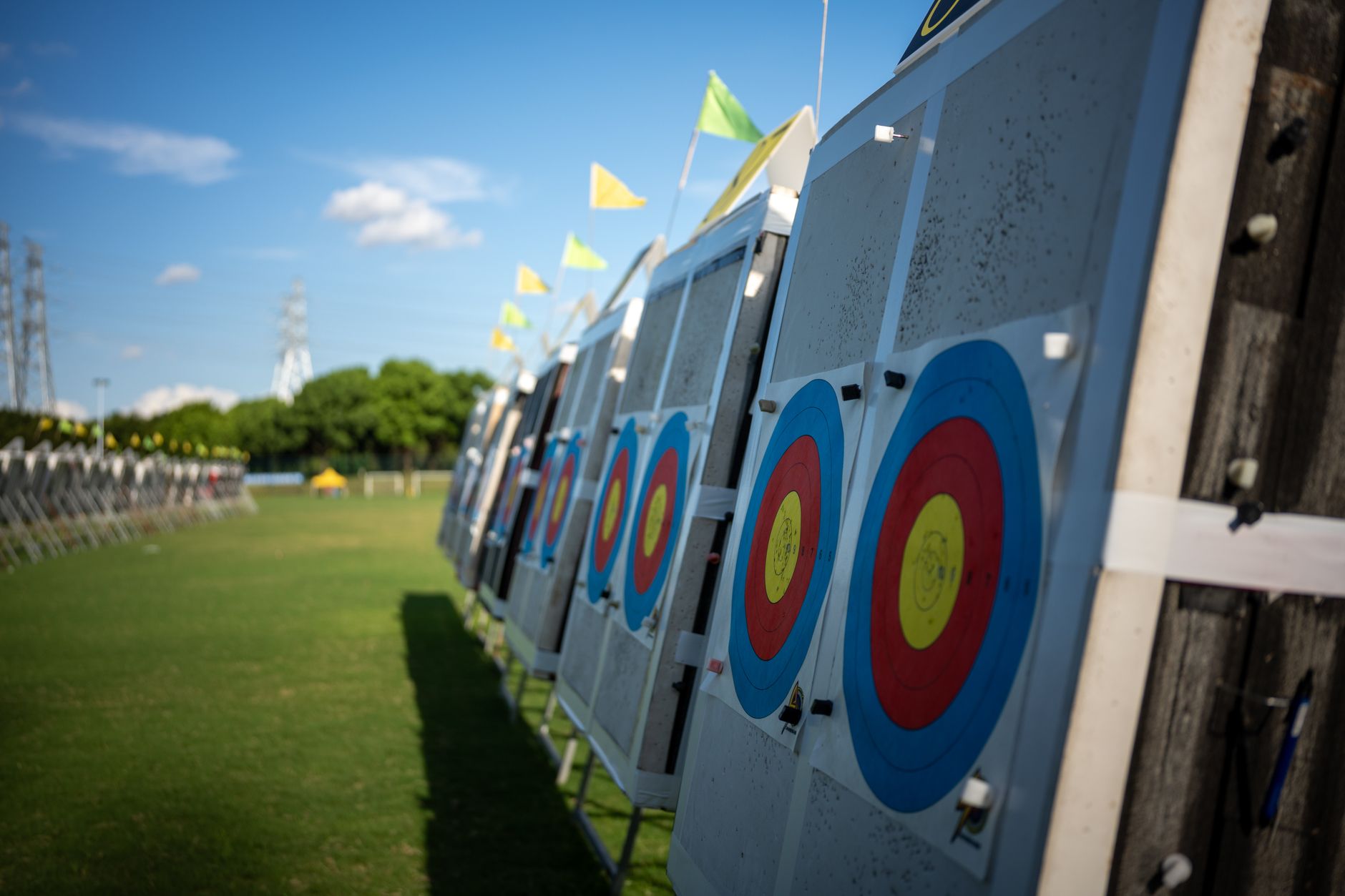
In the bays, people look up for a few seconds and then look back at the ball. Mount screens where they can be read from the mat and from the seating behind it, but clear of every backswing and well out of the ball's path. Keep captions on and audio off or low, so neighboring bays are not competing with each other. A weekend tour event on every bay feels natural. On a fall Saturday night, the big game on the bay screens gives a group one more reason to order another bucket and another round.
Range clubhouse TV
The clubhouse is where guests sit. Screens can be larger and grouped, and this is usually the one place where a game can run with sound. If you take reservations for events or leagues, a screen that can be switched independently for a private group is worth planning now. It is harder to add later.
Snack bar and patio
Waits here are short. One or two screens visible from the line, showing scores and weather, do the job. Patio screens belong under cover and should face away from the late-day sun.
Designing Outdoor Range Screens for Weather, Distance and Crowds
Weather and glare
An open bay is not a dining room. Displays there face moisture, dust, temperature swings and direct sun, so we talk through outdoor-rated displays or protected placements under the bay canopy. We also look at where the sun sits during your busiest hours. A screen that reads well at noon can wash out completely at 5 p.m. Receivers belong indoors, in a ventilated equipment space rather than out in the bays. Our TV equipment closet setup guide explains why that matters.
Satellite service can be interrupted by heavy rain or snow, and no setup is immune to severe weather. Careful dish placement and clean installation help. Our overview of commercial TV signal reliability covers what drives reliability in public venues.
Distance
Ranges are long. The last bay can sit far from the clubhouse where the equipment lives, so cable runs and signal distribution need planning, not guesswork. Screen size also has to match viewing distance. A score bug that reads fine from a barstool can be unreadable from the back of a tiered bay.
Crowds and control
Evenings, league nights and weekend events bring the heaviest traffic, and those are the worst times for a guest to change the channel or for staff to hunt for a remote. Simple, labeled controls, locked settings and a short list of go-to channels by zone keep things predictable when the counter is three deep.
How We Work With You: Assess, Design, Install, Support
- Assess the space. We review your bays, clubhouse, snack bar and any patio, along with existing wiring, sun exposure, and where equipment and a dish can go.
- Design by viewing type. We map each zone to its job and programming mix, and set up the commercial account to match how your screens are viewed by the public. Our guide to commercial TV licensing explains public and private viewing in plain terms.
- Install. With technicians and engineers in all 50 states, installs are scheduled around your hours, often early mornings or slower days, so bays stay open.
- Support. You get one point of contact for programming changes, equipment questions and service calls. Existing customers can reach General Support at 480-941-3703.
You can see the full scope of programming, equipment, installation and support on our services page.
What to Think About Before You Decide
- What each zone should do. Count your zones before you count your screens.
- How independent the screens need to be. Every bay on one feed is simpler. Separate feeds give you flexibility but add equipment.
- Your season and hours. Tell us when you are busiest and when you scale back, so the plan fits the year you actually run.
- Who runs the screens day to day. Controls should suit the staff on shift, not just the manager.
- Growth. If more bays or a second level are coming, plan conduit and capacity now.
- Existing equipment. Some current screens and wiring may be reusable. We will tell you honestly what is worth keeping.
When you are ready to talk it through, reach out to our team or call New Sales at 888-688-1699.