
On this page
Why game day goes sideways without labels
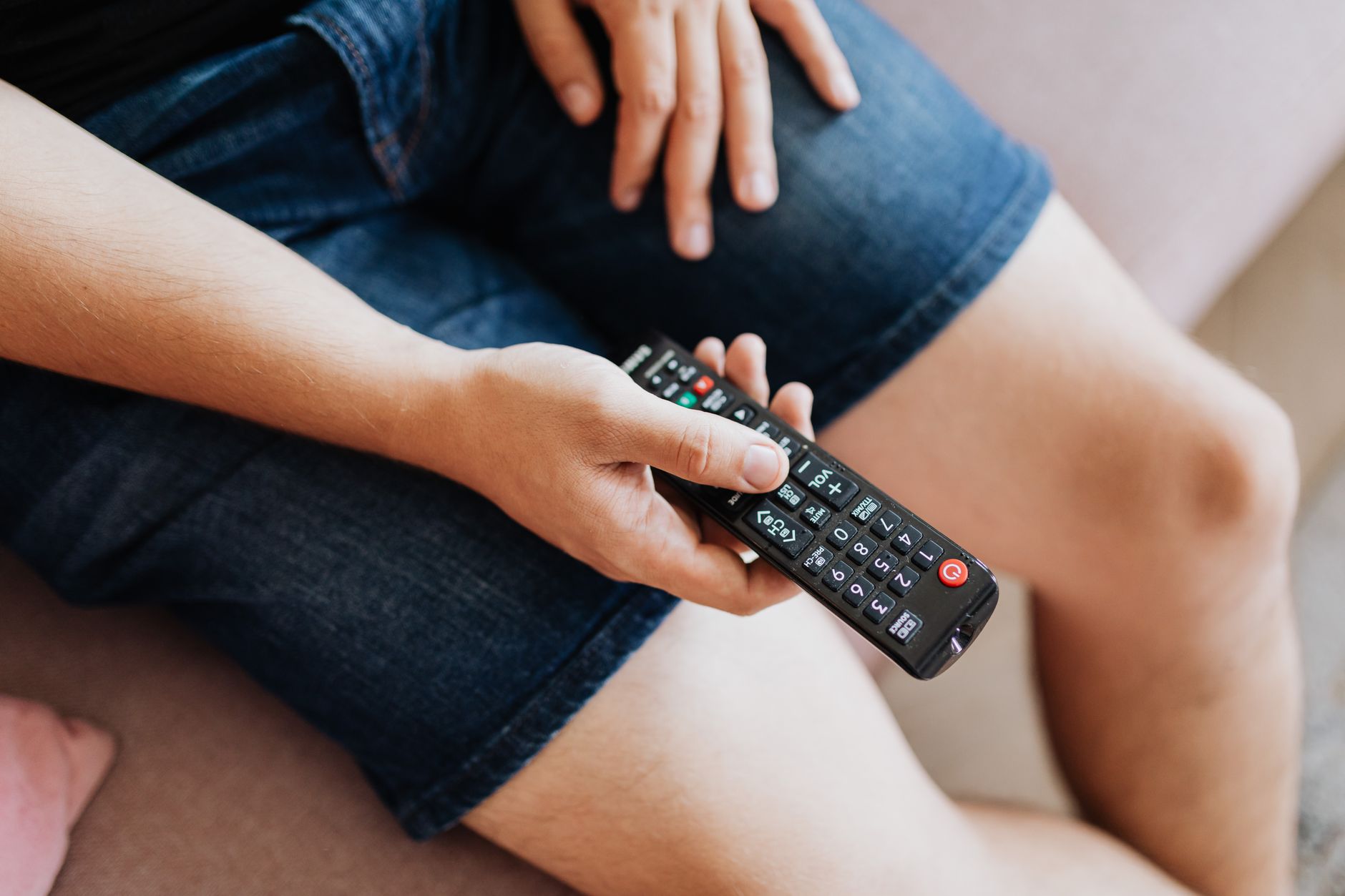
It is the second quarter, the rail is three deep, and a regular asks for the late game on the screen over the taps. Your bartender grabs a remote from the pile by the register and aims it at the back bar. The screen by the patio door changes instead. Now two tables are unhappy, and the bartender is cycling through remotes while drinks wait. The fix is simple: label TV receivers and remotes so that every screen, the box that feeds it and the remote that controls it all share one number.
Most bars do not have a TV problem so much as a matching problem. Each receiver shows one channel at a time, which is why a room full of screens usually has a stack of receivers in a rack or closet (why a business needs so many receivers covers the reasoning). The boxes look identical. The remotes look identical. The screens are spread across the room. Without labels, the only map lives in the head of whoever set it up, and that person is rarely the one working Saturday night.
A numbering system fixes three things at once:
- Changing channels. Staff pick up remote 7 and change TV 7. No guessing, no testing on a live screen in front of guests.
- Restarting the right box. When one screen freezes, a numbered receiver means you power-cycle that one box, not the whole rack.
- Getting help faster. Telling a support tech "receiver B4 shows an on-screen message and TV B4 is black" gets to the fix sooner than "one of the boxes on the left."
The scheme: one number, three places
Keep it boring. A scheme works when a new hire can guess the number of a screen nobody has told them about.
- Split the room into zones and give each a letter. B for the bar, D for dining, P for patio, R for a private room. A single-room place can skip letters and use numbers only.
- Number the screens in each zone in a fixed direction. Pick a starting point everyone knows, such as the entrance or the register, and count left to right or clockwise. B1 is the first screen left of the register; B2 is the next one over.
- Give the receiver and remote the same code as the screen. Screen B3, receiver B3, remote B3. Never let the box numbers drift from the screen numbers, even if a different order would make the rack look tidier.
- Use one label color per zone if you can. Blue for the bar, green for dining. Color lets staff grab the right handful of remotes before they even read a number.
- Retire numbers instead of reshuffling. If B5 comes down, leave the gap rather than renumbering every screen after it.
On larger floors this pairs naturally with a zone-by-zone venue plan, and the codes become the row labels on your bar TV channel map. "B3: early game, then the late match" then reads the same on paper as it does on the wall.
Where every label goes
A label only helps if it sits where someone's eyes or hands already are. This placement list covers the usual failure points.
| Item | Where to put the label | Why it matters |
|---|---|---|
| TV | Small tag on a lower bezel corner or the underside, readable from behind the bar | Staff confirm which screen they are about to change |
| Receiver | Front panel and top or back | Readable whether you face the rack or reach behind it |
| Remote | Front near the top, plus a second label on the back or battery door | Front labels wear off; the back copy survives |
| Cables | Both ends of the video cable and the power cord | Trace a fault or move a box without guesswork |
| Power strip | Beside each outlet | Unplug the right receiver when restarting |
| Rack or shelf | Under each slot | A box returned after service goes back where it belongs |
Use printed labels from a label maker rather than handwriting or masking tape. Back-bar areas run warm, damp and sticky, and remotes get handled constantly. Plastic or laminated labels hold up; paper does not. Clear tape over a printed label works as a stopgap.
Give the remotes a home. A tray, rack or wall caddy with numbered slots means a missing remote gets noticed at a glance rather than when a guest asks for a channel change. Plenty of managers check the caddy at shift change the same way they count the drawer.
Teaching the system in five minutes
The whole point of a simple scheme is that training takes one walk around the room. Run it at a pre-shift meeting:
- Stand at the starting point and show how the numbers run: "Bar screens are blue, they start at the register and go left."
- Ask each person to name the number of two screens they were not told about.
- Hand someone a remote and have them change its matching screen to a test channel and back.
- Open the rack: show the matching labels, which outlet belongs to which box, and how to restart a single receiver.
- Point out the posted map and the remote caddy.
That is the entire lesson. Post a laminated one-page map near the rack and a smaller copy behind the bar showing each zone with its numbers. For the daily habits that go with it, like checking batteries and inputs before doors open, see how to train staff on bar TVs.
Keeping the labels honest
Labels decay quietly. Someone swaps two remotes to cover for a dead one. A receiver comes back from a repair and goes into the wrong slot. A new screen goes up with no tag. A few habits keep the system accurate:
- Check matches once a month. Pick up each remote, change its screen, confirm they line up. It takes a few minutes on a slow afternoon.
- Label new equipment the day it arrives. Make it part of the install, not a someday task.
- Keep a marked spare. A remote labeled SPARE, with blank label stock beside it, beats a borrowed remote that silently becomes the wrong number.
- Update the map whenever anything moves. Once the paper map and the room disagree, people stop trusting it.
If you are planning to add screens, a quick business TV audit is a natural moment to confirm every screen, receiver and remote still matches.
A sensible next step for your setup
If your rack is already a puzzle, it can help to start fresh with people who work on commercial systems every day. When we plan restaurant TV installations, mapping each screen to its receiver is part of the job, and our ongoing commercial TV support goes faster when every box has a name. If you would like to talk through your room, a programming specialist is glad to listen; you can get in touch here whenever it suits you.