
On this page
Why So Many TV Receivers? Follow the Signal From Roof to Screen
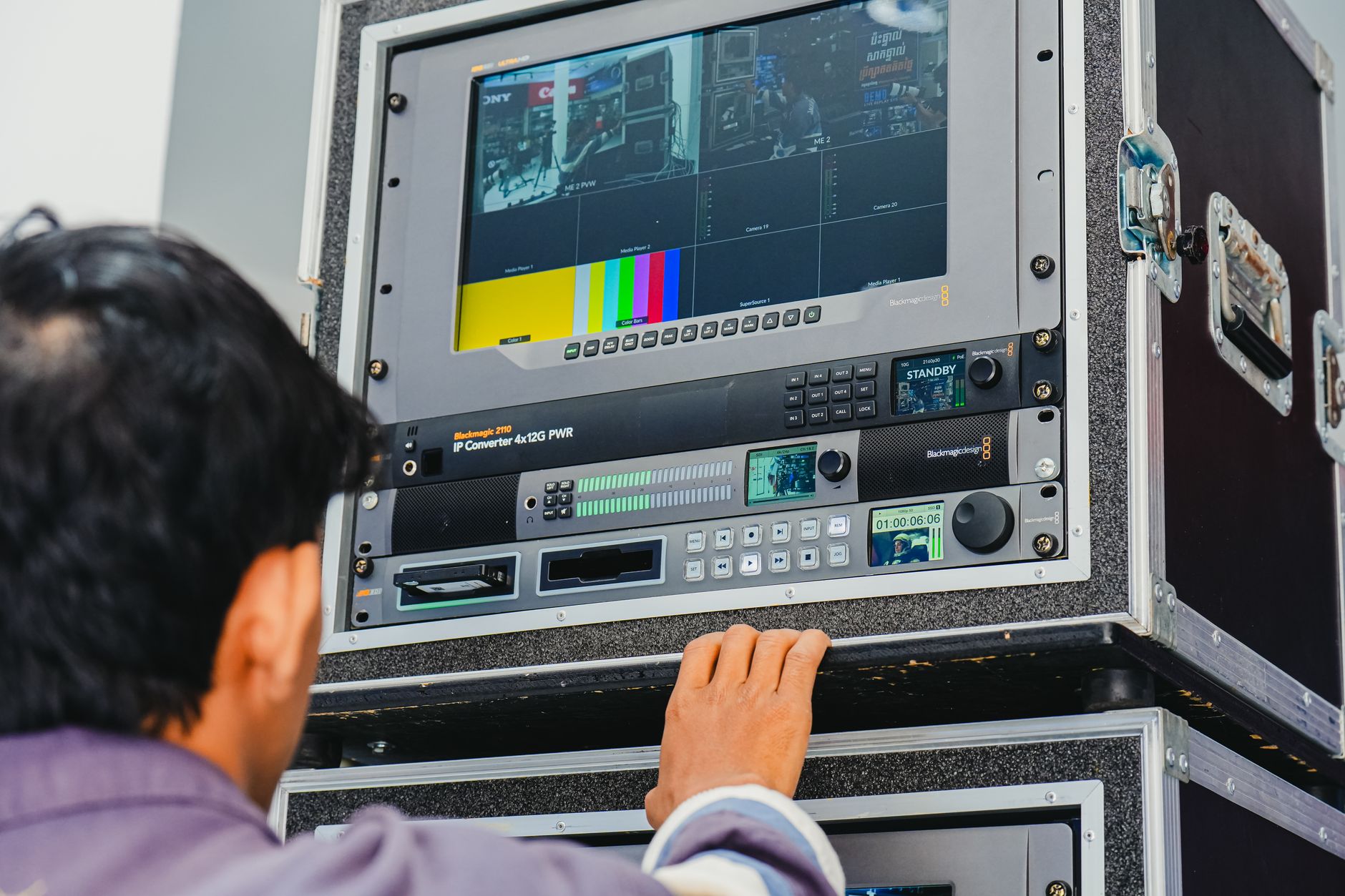
If you have opened the equipment closet and wondered why there are so many TV receivers stacked on the shelf, the answer becomes clear once you trace one signal from start to finish. In a typical satellite setup for a bar or restaurant, it follows this path:
- The dish on the roof or a high wall collects the satellite signal. Placement matters more than most people expect; our satellite dish FAQ for business owners covers roofs, landlords and clear sky views.
- The coax line carries that signal down into the building, usually to one central spot.
- The power inserter and splitters keep the line powered and divide the feed so every receiver gets its share. In a single-wire system, the power inserter is the small box that has to stay plugged in for anything downstream to work.
- The receivers each pull one channel out of that feed and turn it into a picture.
- The video cable, usually HDMI, runs from each receiver to its TV. That might be a short cable behind the screen or a longer run from the closet.
The stack of boxes is step four repeated. A receiver sends one channel to its output at a time, so a room that wants the early game on the bar screens, the late game in the corner and a news channel by the host stand needs a separate receiver for each of those. The count follows the number of different channels you want on at once, not only the number of screens.
That same path explains why trouble tends to show up in one of two patterns. If a single screen freezes while the others look fine, the cause usually sits with that screen's receiver, cable or TV input; start with one TV frozen or pixelated while the others work. If every screen drops at once, look upstream at the dish, the main line or the power inserter, beginning with no signal on all TVs.
What Changes by Business Type
The parts are the same almost everywhere. How many receivers you have, and where they live, depends on what each room is for.
| Business | What the screens need to do | What that means for receivers |
|---|---|---|
| Sports bar | Show several events at once on a busy game day | Many receivers, often centralized in a closet so staff can change channels from one place |
| Casual restaurant | Run a few screens, mostly on one or two channels | Fewer receivers; screens showing the same thing can share a feed |
| Hotel lobby and bar | Calm, readable programming in shared spaces | Public areas are handled much like a restaurant; guest rooms are usually planned as their own system |
| Office or waiting room | One or two screens with little channel changing | Often one receiver per screen, behind the TV or in a nearby cabinet |
| Multi-location operator | The same experience at every site | A standard layout and labeling scheme so any manager can find their way around |
The bigger the venue, the more it helps to think in zones rather than screens. A bar with a main room, a patio and a private event space might want three different things on at the same moment, plus sound in only one of them. Planning that way tells you how many receivers you really need and where the remotes or control point should sit. Our multi-zone TV venue setup guide walks through it room by room.
The type of account matters as much as the hardware. Public areas, private offices and guest rooms can call for different viewing types, and the receivers are tied to whichever account covers them. Our guide to commercial TV licensing and viewing types gives the background, and a specialist can confirm what fits your space.
What to Check Before You Touch Anything
New owners and managers often inherit a closet wired by someone who is long gone. A short walkthrough before your first busy night saves a lot of guessing later.
- Label every receiver with the TV it feeds. Tape and a marker are fine. "Bar left" beats "Box 4."
- Match each remote to its receiver and label it the same way, so staff stop changing the wrong screen.
- Find the power inserter and mark it do not unplug. Learn what its light should look like; our page on the SWiM power inserter green light explains what to check.
- Trace power. Note which power strips feed the rack. Cleaning crews and vendors unplug things to free up an outlet more often than anyone admits.
- Write down any on-screen error along with the receiver it came from. Then look it up in our error code pages, such as the one for DIRECTV error 775, before you start unplugging things.
- Compare screen count to receiver count. If they differ, find out whether screens are sharing a feed on purpose or whether something was disconnected and forgotten.
If you want a fuller inventory, the business TV audit checklist covers every room, screen and viewing type in one pass.
When the Receiver Count Should Change
The right number of receivers is not fixed. It shifts when the way you use the room shifts. Adding a patio, turning a dining room into a sports-forward space, opening a private event room or consolidating two bars into one all change how many separate channels you need at the same time. A remodel or relocation also reopens the questions of where the closet goes and how long the cable runs will be; see what happens when you move or remodel before demolition starts.
Going the other direction is just as valid. A restaurant that rarely shows more than two channels may be maintaining receivers nobody uses. A short review of your goals often tidies the closet and simplifies the remotes at the same time.
Sports Direct is an authorized commercial dealer with technicians and engineers in all 50 states. You can see what we cover, from programming to equipment, installation and support, on our services page, or start a conversation with a programming specialist about your space.