
On this page
Why extended stay hotel TV works differently
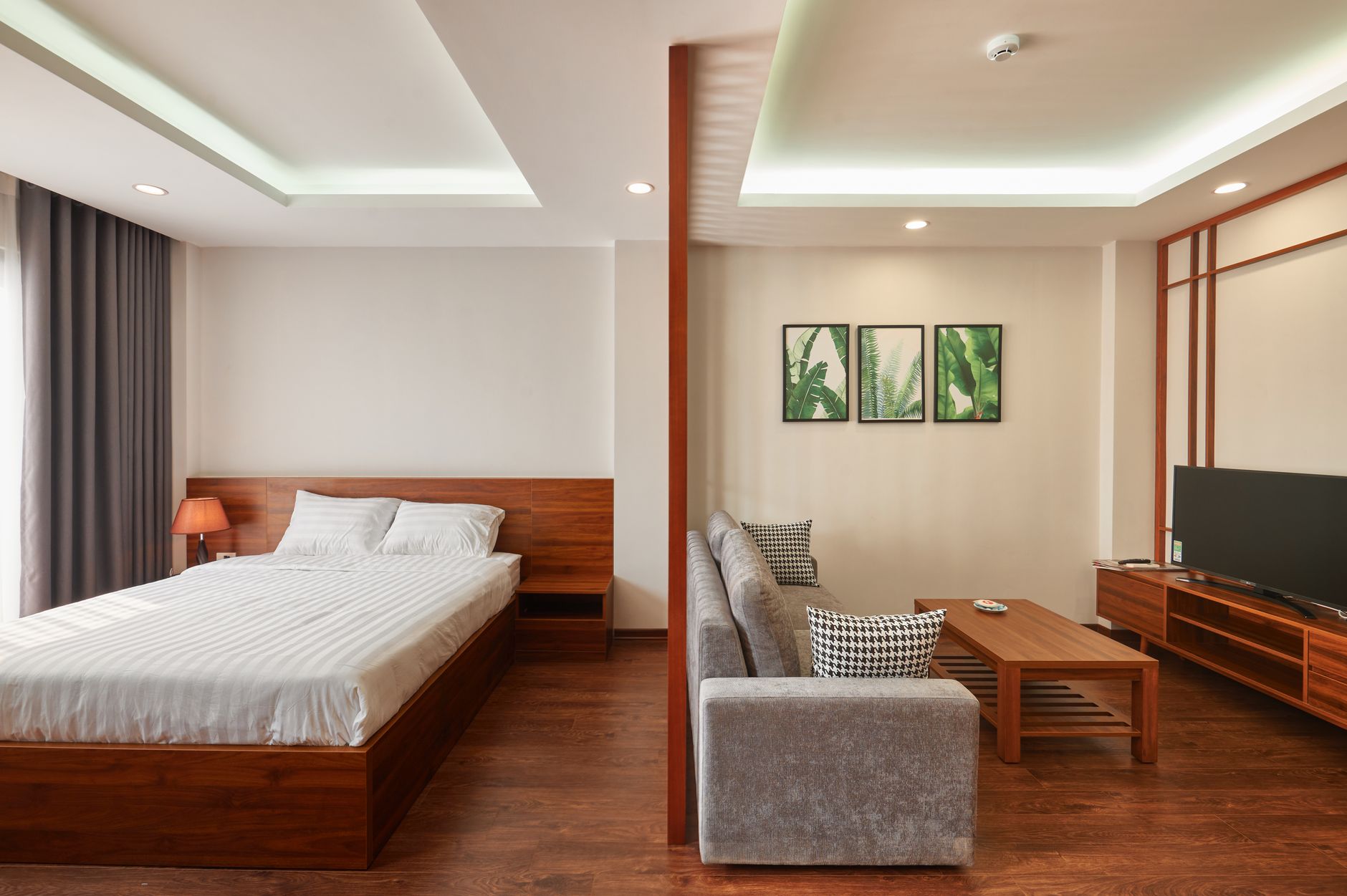
A one-night guest turns on the TV, finds the weather and goes to sleep. An extended-stay guest might be a traveling nurse on a contract, a project engineer at a nearby plant or a family between houses. For three weeks the room is their living room, and an extended stay hotel TV setup is judged that way. Small annoyances that a one-night guest ignores, like a confusing remote, a channel guide that doesn't match the lineup or a screen that drops the picture every evening, turn into front desk visits and comments on review sites.
Three expectations change once the stay passes a few nights:
- Routine over novelty. Guests settle into habits: the morning local newscast, an evening show, weekend games. They notice right away when a channel moves or disappears.
- Their own content. Long-term guests are paying for the subscriptions they use elsewhere and expect to watch them in the room.
- Faster support. A guest who will be there for a month expects a TV problem to be fixed that day, not after checkout.
If your property mixes nightly and weekly guests, plan for the weekly guest. The overnight guest gets the same benefit and the front desk gets fewer complaints.
How the pieces fit together
Long-term guest TV is really four systems that have to cooperate.
| Piece | What it does for the guest | What to plan for |
|---|---|---|
| Live programming | Local news, sports, news networks and entertainment | A commercial lineup suited to your guest mix, with a printed or on-screen guide that matches it |
| Streaming and casting | Lets guests use their own accounts or play content from a phone or laptop | Privacy between stays, a simple sign-in path and enough Wi-Fi capacity in the evenings |
| Room hardware | Screen, remote, mount and inputs | A display that can run for hours a day and a remote that is easy to replace |
| Common-area screens | Lobby, breakfast area, fitness room, guest laundry | Different programming for each space, captions on and sound kept low |
The live channels and the streaming side behave differently. Live commercial satellite programming generally does not depend on the hotel's internet, but anything streamed or cast does. Our page on whether business TV needs internet explains where the line falls. In practice that means a Wi-Fi slowdown at 9 p.m. can look to the guest like a TV problem even when the live channels are working normally, so your IT plan and your TV plan need to account for each other.
Common areas count for more with long-term guests because the same people see those screens every day. A breakfast room that carries the same loop each morning gets tuned out by the second week. The guide on hotel breakfast area TV covers placement and content for that room, and the captioning habits in our closed captions article apply to every shared screen.
What changes by property type
Extended-stay properties don't all host the same guests, and the TV plan should follow the guest.
- Suites near job sites and industrial parks. Guests often work early shifts and want the local weather and traffic before dawn, then sports or entertainment at night. Durable remotes and simple input labels matter more than a long lineup.
- Properties near hospitals and medical centers. Patients' families and contract clinicians keep irregular hours. Calm, easy-to-find programming and captions that turn on with one button help guests who are already stressed.
- Corporate housing and apartment-style suites. Guests behave like tenants. They expect to sign into their own streaming accounts and use the TV as a work monitor, so casting and HDMI access become a priority.
- Mixed nightly and weekly hotels. Keep one consistent channel map across every room so housekeeping, the front desk and the printed guide all agree, whichever room a guest is in.
For portfolios that span several of these, keeping channel maps, guides and support steps consistent from property to property makes staff training and troubleshooting simpler. Sports Direct is headquartered in Phoenix, AZ, with technicians and engineers in all 50 states.
What to check before a room refresh
Before you replace screens or change your programming, walk a few rooms at night, when guests actually watch, and work through this list:
- Guide accuracy. Does the channel card in the room match what is on the screen today?
- Remote reality. How many remotes went missing or broke last quarter, and how many spares are behind the desk?
- Streaming privacy. What happens to a guest's logins at checkout, and who confirms it?
- Evening network load. Does streaming slow down when the property is full?
- Display duty. Are the current TVs built to run for long hours? Our comparison of commercial displays and consumer TVs walks through the trade-offs.
- Front desk playbook. Can staff fix a wrong input or a stuck receiver in two minutes? The guide on what front desk staff can fix when a guest TV is not working is a good training starting point.
- Common-area variety. Does each shared screen have a defined job and a schedule that changes through the day?
If you're building rooms from scratch, start with the hotel guest room TV setup guide, then look at how commercial TV for hotels and hospitality covers guest rooms, lobbies and lounges. When you want to compare notes on your own property, you can reach a programming specialist for a custom quote.