
On this page
How the pieces fit together across a property
Most hotel TV service questions get easier once you see the property as two kinds of space. Private spaces are the guest rooms, where one guest or family watches what they choose. Public spaces are everywhere else a screen can be seen by more than one party: the lobby, the breakfast area, the fitness room, a lounge or bar, meeting rooms and sometimes the pool deck.
The two kinds of space are usually set up differently. Guest rooms are commonly fed from a central distribution system that sends the same lineup to every room, so the TV in 112 behaves exactly like the TV in 318. Public spaces more often get their own receivers, because the lobby, the gym and the bar rarely want the same thing on at the same time. Programming for private rooms and for public viewing areas is also often arranged differently on the account, which is why the first thing a specialist will ask is which spaces are which.
The practical result: a property can run on one commercial relationship with one point of contact, even though the guest rooms, the breakfast room and the fitness center are each configured for their own purpose. Our commercial TV for hotels and hospitality page outlines what that looks like in practice.
What changes by property type
The questions shift depending on what kind of hotel you run.
- Roadside motel or small limited-service property. The priorities are a dependable guest-room lineup, remotes that front desk staff can explain in one sentence, and maybe one screen in the office or breakfast nook. Simplicity matters more than options. Our guest room TV planning guide for small hotels and motels walks through room count, wiring and layout.
- Select-service hotel with a breakfast area. Now the morning becomes a programming decision. News and weather tend to suit a room full of travelers eating quickly, and captions matter because the space is noisy.
- Full-service hotel with a lounge, restaurant or meeting space. This is where sports nights, event bookings and presentation screens come in. A bar that draws locals on a Friday night has very different needs from a quiet lobby fifty feet away. Meeting rooms need a way to switch between live TV and a laptop; see the hotel conference room TV setup guide.
- Extended-stay property. Guests are watching for weeks, not one night, so lineup variety and in-room reliability carry more weight in reviews.
- Resort or multi-building campus. Distances, outbuildings and outdoor screens add installation complexity, and coordination across buildings becomes the main challenge.
For groups running several brands or locations, the same thinking applies at scale: decide what each space type gets, then repeat it across sites so guests get a consistent experience.
Walk the property before you ask for a quote
A quote is only as good as the information behind it. Before you call, walk every space with screens, or that should have them, and note the following.
| Space | What it usually needs | What to check |
|---|---|---|
| Guest rooms | Same lineup in every room, easy remote, clear channel guide | Room count, TV models and ages, existing cabling, any rooms with two TVs |
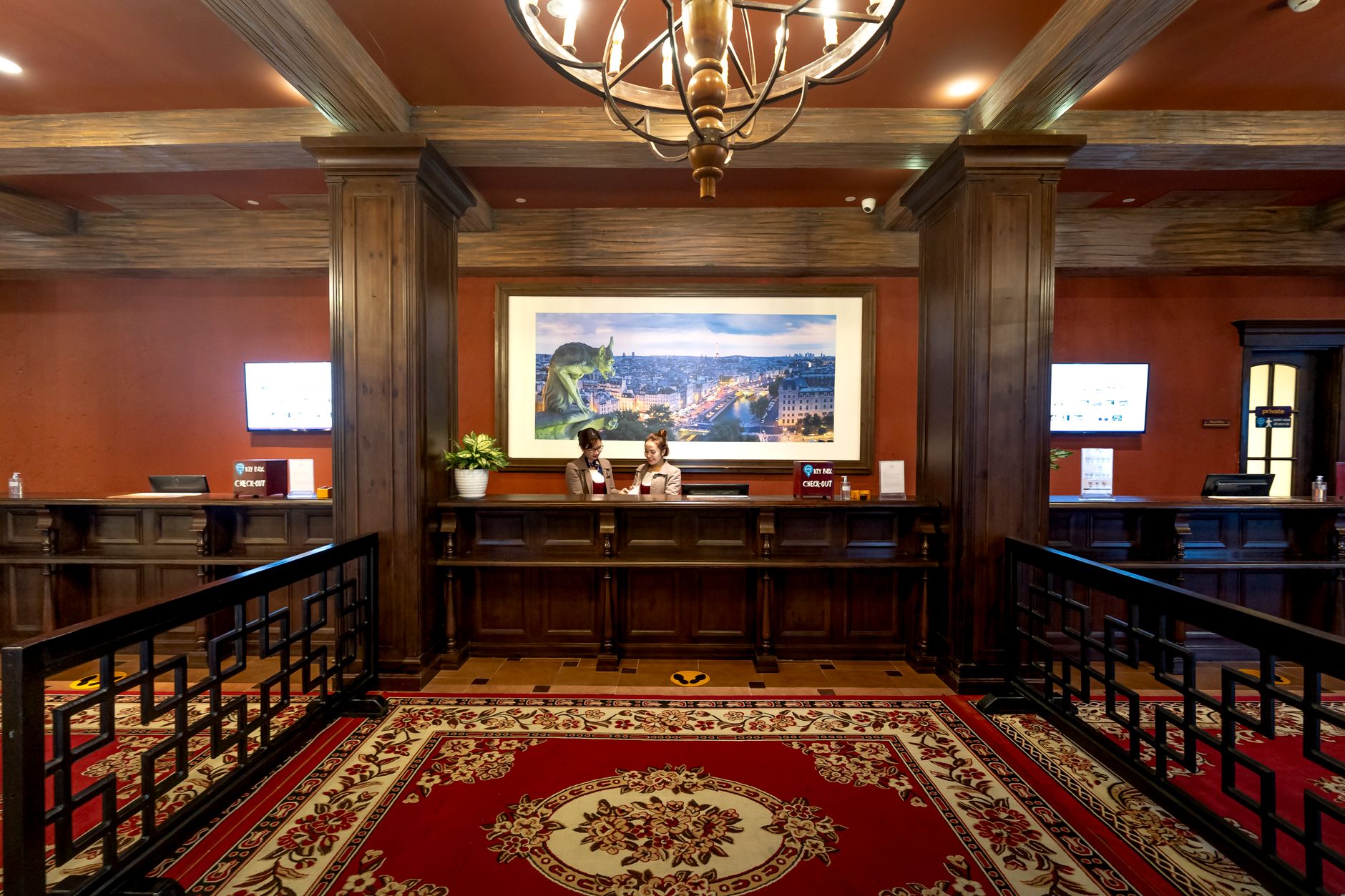
| Lobby | Calm, broadly appealing content readable without sound | Where guests wait, glare from windows, who controls the remote |
| Breakfast area | News and weather, captions on | Hours of use, noise level, whether staff change it each morning |
| Fitness room | Several screens visible from machines, sound kept personal or low | Machine layout, sightlines, whether members can change channels |
| Lounge or bar | Independent sources for sports and events | Number of screens, audio zones, peak nights |
| Meeting rooms | Easy switch between live TV and presentations | Inputs, who sets up before events |
For public areas, tone matters as much as content. Our piece on hotel lobby TV programming covers choosing content for each common area, and the post on closed captions for restaurants, bars and hotel rooms explains why captions should be the default in most shared spaces. If the fitness room is a priority, the gym cardio area TV setup post applies directly to hotel gyms too.
Keeping it running when nobody technical is on shift
Hotels run around the clock, and the person who hears about a dead TV at 10 p.m. is usually a front desk agent, not an engineer. Plan for that.
- Write a one-page reset card for the front desk: how to power-cycle a room TV, which input it should be on, and when to stop troubleshooting and call support.
- Know who owns each problem. If the TV, the wiring and the programming are handled by different vendors, guests wait while everyone points elsewhere. One provider responsible for programming, equipment, installation and support removes that gap; our services page describes how that is structured.
- Label public-area equipment so a night manager can find the right receiver for the lobby versus the bar.
- Log recurring issues. If the same floor loses service every few weeks, that pattern helps a technician find the cause faster.
Sports Direct has spent 30+ years as one of the Original 6 commercial DIRECTV dealers, with technicians and engineers in all 50 states coordinated from Phoenix, AZ. If you are weighing a new setup or an upgrade, a short conversation through our contact page is a sensible place to start.