
Sports Direct | DLM Media
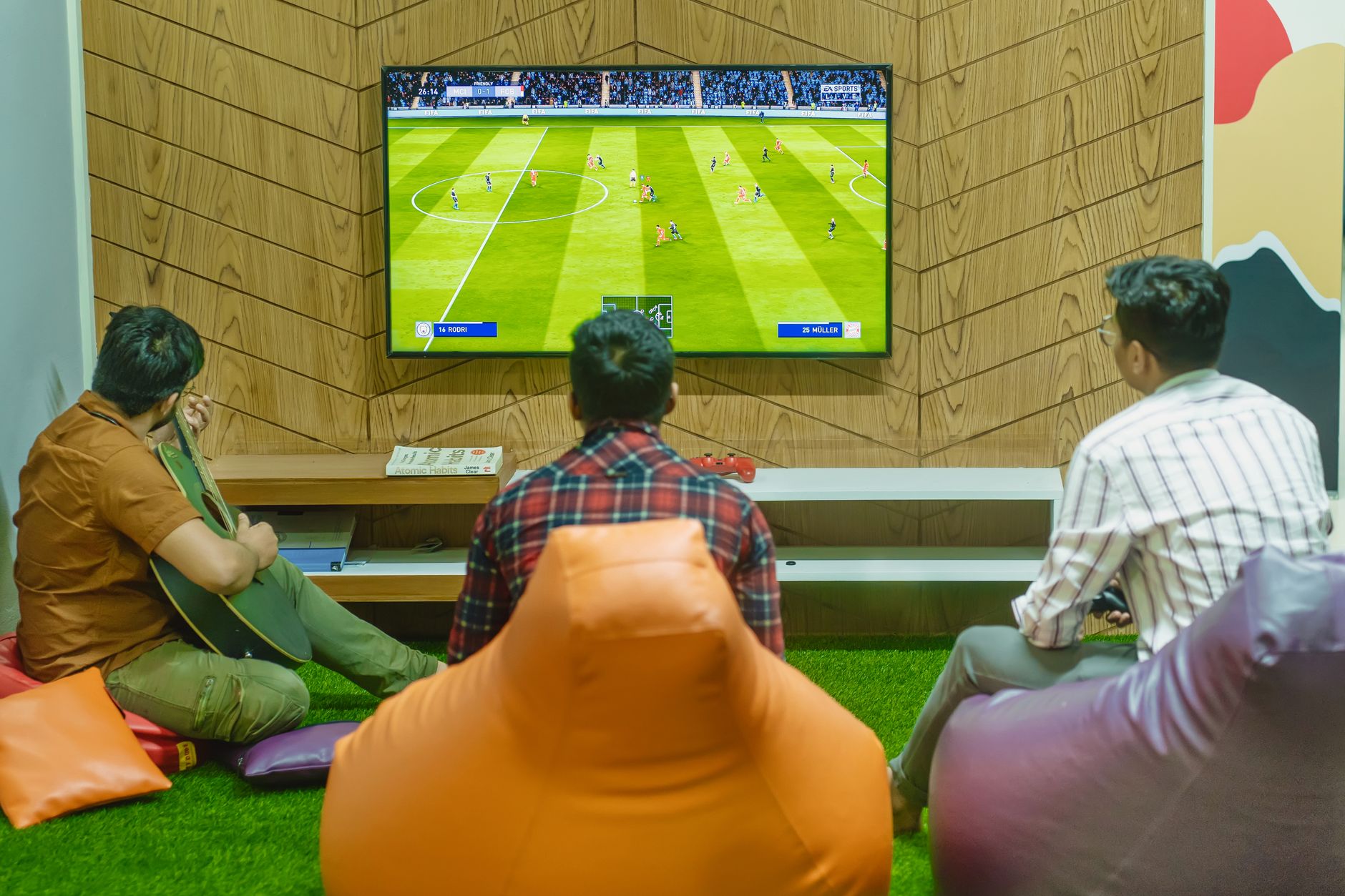
Three friends relaxing and playing a soccer video game indoors on a comfortable game night.
FAQ · Bars & sports bars

Game Delayed on Some TVs? Why Screens Drift and How to Fix It

When the same game is a few seconds behind on some TVs, those screens are usually getting it a different way: a streaming app on one, a receiver on another, or extra processing in the TV or distribution gear. Put every live-game screen on the same kind of source and standardize TV settings, and most of the drift goes away.

Reviewed October 27, 2026 4 min readBy Sports Direct | DLM Media
On this page

Why the game is delayed on some TVs but not others

When the game is delayed on some TVs and right on time on others, the screens are usually not broken. Each one receives the same broadcast through a slightly different chain, and every link in that chain holds the picture for a moment before passing it on. The feed is encoded, sent by satellite, cable, antenna or the internet, decoded by a receiver or an app, routed through whatever sits between the box and the wall, and finally processed by the TV itself. Screens fed through identical chains land at nearly the same moment. Change one link and that screen falls out of step, which is why you can see TVs out of sync on the same channel.

Here is where the time usually hides:

  • Delivery method. Internet streaming generally keeps more video in a buffer than satellite does so it can ride out network hiccups. That buffer is why a smart-TV app often trails the receiver beside it.
  • The receiver or app. Different receiver models, software versions and apps decode at different speeds, even on the same channel.
  • Distribution equipment. Matrix switchers, video-over-network encoders and modulators that turn feeds into channels on a coax system each add their own processing.
  • The TV. Motion smoothing, noise reduction and upscaling make the picture look polished, but they take time. Two identical receivers can drift if the TVs they feed use different picture modes.
  • The audio path. If the room's speakers are fed from one box and the screens from others, the sound can lead or trail some of the pictures.

The biggest gaps almost always come from mixing delivery methods. Settings and gear add smaller amounts, but those still show up when two screens hang side by side. For the bigger picture on what keeps a commercial signal steady, see our overview of signal reliability for commercial TV.

How the drift plays out in bars, restaurants and casinos

Bars. Picture a Friday-night rush with a close game in the fourth quarter. The rail is watching screens fed by receivers. The patio TV is running a streaming app someone set up last summer. The rail sees the go-ahead score and erupts; the patio hears the cheer before the snap. Nobody outside enjoys that play, and a few of them will remember it. Even indoors, bar TVs not in sync by a beat look careless to regulars who notice everything.

Restaurants. A dining room can live with a small offset if guests cannot see the bar screens and game audio is not piped through the whole space. Trouble starts with open floor plans, where a booth sees the bar TV over one shoulder and its own screen straight ahead, or when one sound system serves every room. Settle the audio question first; our page on restaurant background music and TV audio covers how to give each area one job.

Casinos. Sportsbooks, lounges and casino restaurants often run large walls of screens close together, and guests are watching the action closely. A lounge screen that trails the main wall draws comments fast. Because a property may have several distribution systems installed at different times, drift often traces back to which system feeds which room. The casino sportsbook TV guide goes deeper on programming and signal planning for gaming floors.

A pre-game audit to find the screens that lag

Run this on a quiet afternoon, not an hour before kickoff.

  1. Map every screen to its source. Walk the room and note what feeds each TV: a receiver, a smart-TV app, a streaming stick, an antenna or a shared distribution system.
  2. Tune everything to the same live channel. A live event or a channel with an on-screen clock works well. Stand where you can see several screens and watch for a scoreboard change or a camera cut.
  3. Group the screens. Sort them by source type and distribution path. The laggards usually form their own group.
  4. Check picture settings. Look for motion smoothing and heavy processing modes, and set screens that hang together to the same mode.
  5. Trace the audio. Find which box feeds the house speakers and confirm it matches the screens most guests watch.
  6. Write it down. A simple record saves the next manager from starting over.
ScreenSourcePathPicture modeIn step?
Bar railReceiversDirect HDMIStandardYes
PatioStreaming appSmart TVVivid, motion smoothing onBehind
Dining roomReceiverCoax distributionStandardSlightly behind

Choosing a fix that fits the room

Every fix trades something. Moving a streaming screen onto a receiver usually brings it in line with the rest, but it may mean new equipment, cabling or a technician visit; our questions on adding TVs to your business explain what goes into that decision. Feeding a cluster of screens from one receiver locks them together, but every screen in the cluster shows the same channel, which costs flexibility on a crowded Saturday with several games going. And sometimes the honest answer is to leave a small offset alone where screens cannot see or hear each other; bar TV placement affects that more than most owners expect.

The streaming delay vs satellite question is really a consistency question. What tends to work across venue types is one delivery method for every live-game screen, matching equipment where screens share a sightline, and TV settings that are standardized and then left alone. If you want a second set of eyes, our team can look at how your programming, equipment and installation fit together, or you can start a conversation about your layout.

Common questions

Answers to what people ask

Not always, and not by a fixed amount, but it usually trails. Streaming apps keep a buffer of video so the picture survives brief network slowdowns, and that buffer pushes the live moment later. The size of the gap depends on the app, the network and the device. Satellite receivers generally hold less in reserve. If you mix the two on screens guests can see together, expect a noticeable offset and plan around it rather than hoping it shrinks on game night.

Yes, though the gap is usually small. Receivers of different models or software versions can decode at slightly different speeds, and anything after the receiver, such as a switcher or the TV's own processing, adds its own delay. Matching receiver models where screens share a sightline, keeping software current and standardizing TV settings tends to close most of what remains. Frame-perfect matching across every screen is not something any setup can promise.

Yes. Modes with motion smoothing, noise reduction or heavy upscaling process each frame before showing it, and that takes time. Two identical receivers can drift if one feeds a TV set to a vivid or cinema mode and the other a simpler mode. Many displays offer a low-processing or game mode that trims that delay. Pick one setting for screens that hang near each other and lock the menus if your TVs allow it, so staff and guests cannot change them.

Usually because the audio and the picture take different routes. If the house speakers are fed from one receiver and a particular screen gets its picture from another source or a slower path, the sound runs ahead. It also happens when a TV processes video heavily but passes audio straight to a soundbar. Feed the speakers from the receiver driving your main screens, reduce processing on the lagging TV, and look for an audio delay setting on the TV or amplifier.

For live games, that is usually the screen most likely to fall behind, and if the patio can hear the main room, cheers will spoil plays. A receiver feeding the patio, or a run from an existing receiver, typically keeps it in step. There is also a licensing question: consumer streaming accounts are set up for private viewing, not for screens a business shows its customers. What applies depends on your venue type, so confirm with a specialist before relying on one.

It might, if the lagging screens are on older or mismatched equipment. It will not help if the real cause is a streaming app, a slow distribution path or a TV processing mode. Run an audit first: tune every screen to the same live channel, group them by source, and see which group trails. Replacing equipment makes sense when the slow group lines up with older receivers; otherwise you would be changing the wrong link in the chain.

It keeps them very close, because every screen shares the same decoded feed. The trade-off is that all of those screens show the same channel. That suits a big game everyone wants, or a wall where matching pictures matter most, but it is limiting on a busy weekend with several games on. Many venues combine both approaches. Differences in TV picture settings can still add small offsets, so match those too.

New screens often arrive with a different source or path than the originals: a newer receiver, a network video encoder, a streaming device, or a TV fresh out of the box with factory picture settings. Any of those can put a screen out of step. Compare the new screens against the old ones on the same live channel, then match their sources and settings. When you plan the next expansion, decide up front how each new TV will be fed so it joins the existing group.

Close in most rooms, but not perfectly everywhere, and anyone promising that is overselling. Matching delivery method, equipment and TV settings usually brings screens near enough that guests stop noticing. Large properties with several distribution systems installed at different times may need some areas handled separately. The practical goal is no visible offset between screens that share a sightline or a sound system, which is a realistic target for most venues.

Start with whoever manages your programming and equipment, since most drift traces back to sources and distribution rather than the TVs themselves. Have your audit notes ready: which screens trail, what feeds them and roughly how far behind they look. Sports Direct customers can reach General Support at 480-941-3703. If you are evaluating service, a programming specialist at 888-688-1699 can talk through your layout. A TV manufacturer is mainly useful for picture-mode questions on a specific model.

Ready when you are

Talk to a programming specialist

Tell us about your space and we will put together a tailored, no-pressure custom solution.

Free, no-pressure quote

Request a custom quote

Tell us about your space and a commercial programming specialist will follow up. No pressure, just a solution-focused conversation.

Make every screen count

Talk to a commercial programming specialist and get a package built for your business.

Call nowGet a Quote