
On this page
How a new screen connects to what you already have
Adding TVs to a business starts with a question about content, not hardware: what will this screen show, and will it ever need to show something different from the screens around it? That answer decides most of what follows, because every TV sits at the end of a chain. The dish collects the signal, cabling carries it inside, a receiver turns one channel into a picture, and the display shows it.
A new screen that will always mirror an existing one can often share that receiver through a distribution setup. A screen that needs its own channel, even occasionally, needs its own receiver. If that sounds like a lot of boxes, our receiver FAQ explains why one receiver per independent channel is the rule rather than an upsell.
Each added receiver then needs its own path back to the dish system. Dish equipment has a limited number of outputs, so a location that has grown screen by screen over the years may already be at capacity. When that happens the fix is usually additional switching equipment or a change at the dish itself, which is why it helps to read up on dish placement and roof questions before a landlord conversation.
| Piece | What to check | Why it matters |
|---|---|---|
| Dish and switching | Spare outputs available | Decides whether new receivers can connect without dish work |
| Cabling | Route from the head end to the new spot | Long or crowded runs can affect picture quality |
| Receiver | Shared or dedicated | Sets how many channels you can show at once |
| Power and network | Outlet and data jack near the receiver | Some receivers rely on an internet connection |
| Display and mount | Wall type, sightline, glare | Determines what the install crew needs on the day |
What changes by business type
Restaurants and bars
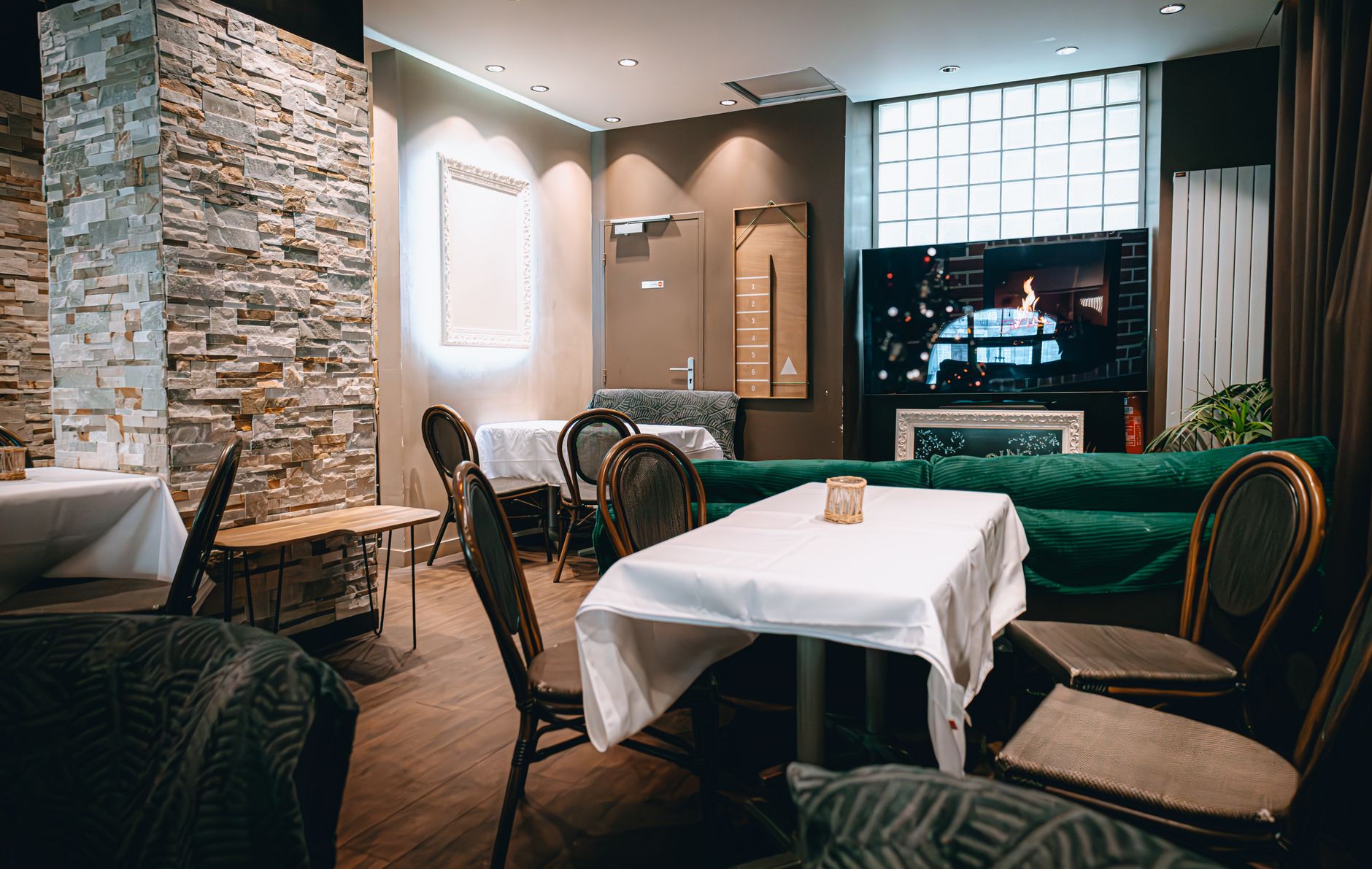
Expansion here is usually about reaching seats the current screens miss: the far end of the bar rail, a dining room corner, a new patio. The receiver question matters most in these spaces, because a busy game night is exactly when a manager wants different games on neighboring screens. Sound also gets harder with every screen you add, so decide early which zone gets audio and which runs captions. Our approach to restaurant TV installation maps each new screen to a seat group before any cable is pulled, and the piece on balancing background music and TV audio covers the sound side.
Retail
Stores tend to add screens near checkout, in a waiting or fitting area, or along a long sales floor. Many of those screens can share one feed, which keeps the receiver count modest. The bigger decisions are mounting height in high-ceiling spaces, keeping cables out of reach of shoppers, and whether music or TV audio belongs on the floor at all.
Offices
Offices usually add a break room TV, a lobby screen or a conference room display. These rooms are often used differently, and that can affect how the account is set up, since a staff-only break room and a public reception area may not fall under the same viewing type. A programming specialist can confirm how your rooms should be classified. Our corporate office TV page walks through the common room types.
What to check before adding TVs to your business
A short walk-through before you call saves a second site visit. Note these for every new screen:
- Where it goes and who watches it, seated or standing, and from how far
- Whether it shows its own channel or copies another screen
- The nearest power outlet and network jack
- What the wall is made of and what is behind it
- How cable could reach it: ceiling space, existing conduit or surface raceway
- Whether the landlord or property manager needs to approve roof or wall work
The business TV audit checklist gives you a room-by-room format for this, and the mounting and placement guide helps you settle height and angle before anyone drills.
Scheduling the work so service keeps running
The best install window is the one that matches your slowest hours, not the installer's first opening. A restaurant might choose a morning before prep starts; an office might prefer a weekend; a bar should avoid the weeks around a big game or local event, when every screen is earning its place. If you are expanding for a known event, work back from the date and leave room for testing, as laid out in our event-week planning timeline.
Dish or switching changes can briefly interrupt every screen, not only the new ones, so ask whether your job includes that step and schedule accordingly. For operators adding screens across several sites, a staggered rollout built on the same equipment and placement standards keeps support simpler later; our guide to managing TV across multiple locations covers how to sequence it. Sports Direct coordinates installs from Phoenix with technicians and engineers in all 50 states, and you can request a quote whenever your plan is ready.