
Sports Direct | DLM Media
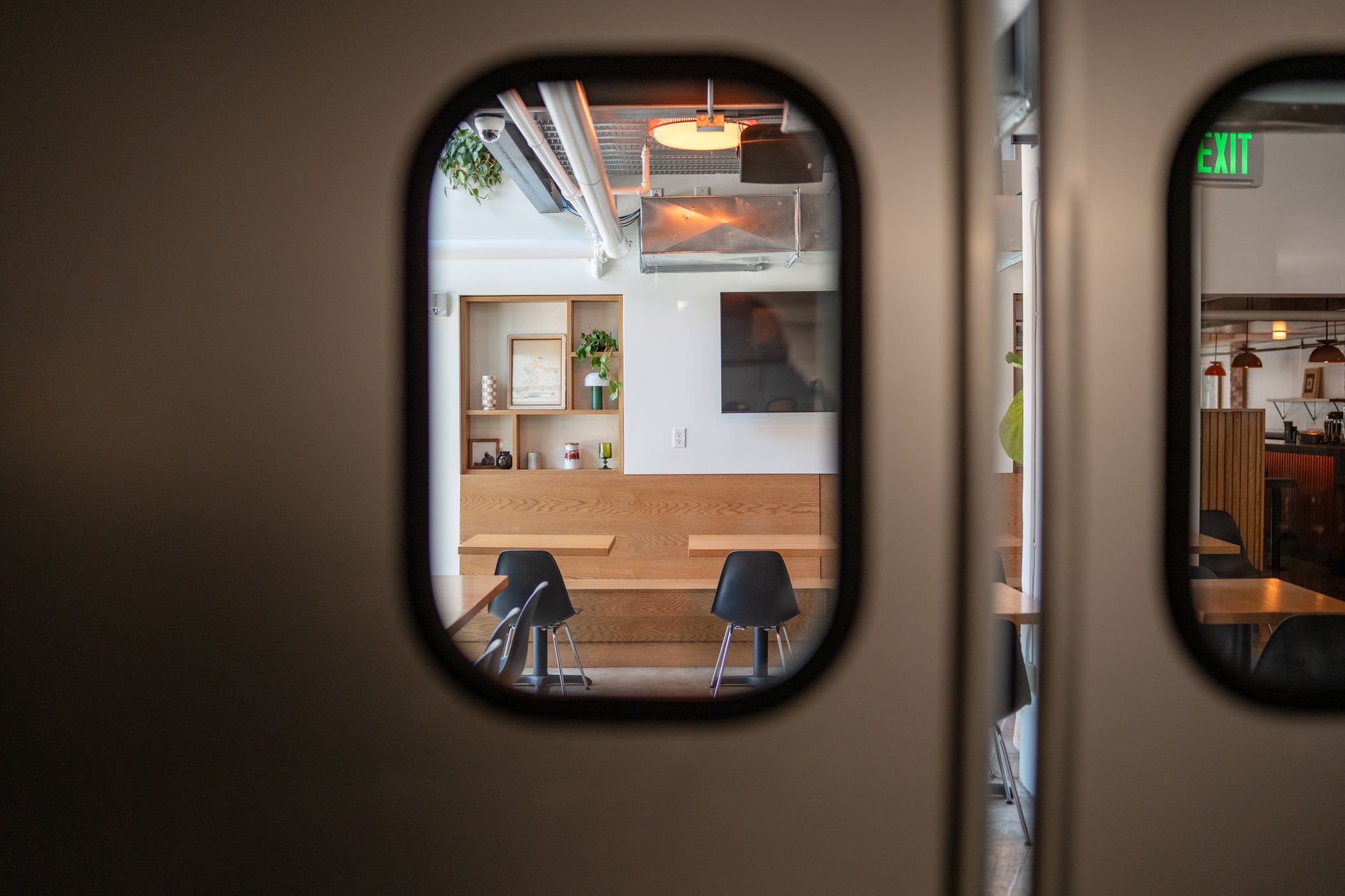
View of a stylish coffee shop interior as seen through swinging kitchen doors. Cozy and minimal decor.
FAQ · Restaurants

TVs in Restaurant Booths and Along the Bar Rail: Owner Questions

Small TVs in restaurant booths and along the bar rail work best as an extension of the main wall, not a separate system. Decide what each screen shows and who controls it, plan sources and cable paths before mounting, and keep screens clear of service. A short planning walk-through settles most of it.

Reviewed October 28, 2026 4 min readBy Sports Direct | DLM Media
On this page

How booth and rail screens fit with the main wall

Adding TVs in restaurant booths or a row of small screens along the bar rail changes the job of every other screen in the room. The main wall carries the shared moments: the big game, the fight, the finale everyone cheers for at once. Small screens are a personal layer on top of that. They give the couple in a corner booth a second game, or give the regular at the end of the rail a clear view when a post or a beer tower blocks the wall.

The most useful way to plan is to think in feeds, not screens. Every different thing showing at the same moment needs its own source behind it. A wall of eight TVs might really be three feeds repeated. Small screens can mirror one of those feeds or carry something of their own, and that choice decides how much equipment you need, how the wiring runs and how much your staff has to manage on a busy night.

Picture a Friday with two regional games and a late event. The rail screens mirror the two games so nobody at the bar has to twist around. Most booths carry the same two feeds, and one or two booths are set aside for a third game when a party asks ahead. The wall stays in charge, and the small screens fill gaps instead of competing with it.

Screen roleWhat it usually showsWho controls it
Main wallMarquee events and the night's main gamesManager or shift lead
Bar railMirrors main games or one alternateBartender
BoothA set feed, or a pick from a short listStaff on request, or guests within limits
Promo or menu screenSpecials and eventsSet in advance, rarely touched

What changes by venue type

The same hardware plays very differently depending on why people come through the door.

  • Sports bars: Rail screens are close to essential, because bottles, taps and back-bar shelving often block the view for anyone sitting at the bar. Booth screens become a reason to reserve on big days, so plan which booths can take a separate feed.
  • Family and casual dining: Booth screens are optional and sometimes unwelcome. Many tables come to talk, so a screen that can be switched off or left on captions matters more than one that shows everything. For the dinner-hour question, see our take on restaurant TVs during dinner.
  • Upscale casual and steakhouses: Screens usually stay at the bar, small and discreet, while the dining room stays screen-free. A single rail screen per section often does the job.
  • Hotel and casino restaurants: Travelers want their home team, which pushes more variety onto the small screens. Our casino restaurant TV questions cover lounges and dining rooms off the gaming floor.
  • Multi-location groups: Standardize the screen model, the mounts and the channel list across sites, so a manager moving between stores knows exactly how the booths and rail work.

Planning control before the first bracket goes up

More screens means more remotes, more inputs and more chances for a screen to be on the wrong thing when the doors open. Settle the control plan before anyone mounts anything. Decide which screens are locked to a feed, which can change on request, who makes the change and how. Label every remote and receiver so a new bartender can match them in seconds, and set a default channel for every screen at open and a reset routine at close.

Our pieces on handling customer channel requests and training staff on bar TVs go deeper on the habits that keep small screens from becoming a nuisance.

What to check before you commit

  1. Sightlines from each seat. Sit in every booth and every rail stool. Note what blocks the main wall and where a small screen would actually help. Our bar TV placement layout walks through this seat by seat.
  2. Service paths. Servers carrying trays and bartenders reaching for bottles should never have to duck around a screen or an arm.
  3. Power and cable routes. Know how each screen gets power and signal without cords crossing tables or bar tops. If walls are still open, read restaurant TV wiring before drywall; for longer runs, our HDMI extender guide explains when a plain cable stops being enough.
  4. Where the equipment lives. Receivers and distribution gear need a ventilated, secure spot that staff can reach without climbing over guests.
  5. Cleaning and durability. Screens near food and drinks get splashed and touched. Plan for easy wipe-downs and protected connections.
  6. Your programming setup. Confirm with a specialist how added screens and extra feeds fit your commercial account before you buy hardware.
  7. Install timing. Mounting at booths and along the bar is messy work best done before open or on a closed day.

Our commercial TV installation for restaurants starts with exactly this kind of walk-through, mapping each screen to the seats it serves before a hole is drilled.

Common questions

Answers to what people ask

Sometimes. Booth screens earn their place when guests regularly come to watch something specific, such as local teams, big events or a weekly show, and the main wall cannot serve every table. In a restaurant where most diners come to talk, booth screens often sit off or ignored. A middle path is to equip a few booths near the bar and leave the rest of the dining room screen-free, then expand only if those booths get requested.

The usual choices are a low-profile wall mount on the booth's end wall, an articulating arm that folds flat when not in use, or a ceiling or soffit mount above the table. Fixed mounts are sturdier and harder for guests to bump out of position. Arms give a better viewing angle but need solid backing in the wall and a firm rule about who adjusts them. Whatever you choose, keep the screen above elbow and tray height.

Most bars mount rail screens up high, on the soffit or a beam over the bar, angled down toward the stools, or along the back bar between shelving. Bar-top screens on short stands work in some layouts but take space from drinks and get in the way of service. Before mounting, have a bartender walk a full shift path and point out where they reach, pour and pass glasses. Screens go where nobody's hands do.

It depends on your crowd and your staff. Guest remotes give parties freedom, but they get lost, sticky and pressed into the wrong input. Many venues keep control behind the bar and let servers change a booth screen on request, sometimes from a short posted list of available options. If you do hand out remotes, use screens that can lock menus and inputs, and collect the remote when the party leaves.

Only screens that need to show something different at the same time need their own source. If ten booth screens will always mirror one of three games, three sources can feed all of them through distribution equipment. If every booth should be able to pick independently, each needs its own source, which means more equipment and more to manage. A specialist can help you find the right balance for how your room is actually used.

The cleanest route runs power and signal inside the wall or booth framing, coming out directly behind the screen. Where walls are finished, paintable raceway or a chase built into the booth's back can hide runs neatly. Under a bar, cables can travel through the bar die wall, kept away from drains, ice wells and beverage lines. Avoid any cable that crosses a tabletop, a seat or a walkway where people can snag it.

Most small screens run muted with captions, because a dozen speakers playing different games turns a room into noise. When sound matters, venues usually route audio from one main feed to the room's speaker system and leave the small screens silent. Some booths can be zoned for their own audio if they are well separated, but that adds wiring and should be planned at the same time as the screens.

Smaller than you might think. A booth guest sits close, so a screen sized for the wall would feel overwhelming and block the view across the room. Choose a size that fills the guest's view comfortably from their seat without overpowering the table. For rail screens, size depends on mounting height and distance to the stools. Mock up a location with cardboard cut to the screen size before buying.

Usually the added screens become part of your existing commercial setup, but how extra screens and extra sources affect your account depends on your programming and venue type. Consumer service is not set up for public viewing in a business, so booth screens should not run on a home account or a personal streaming login. Confirm the details with a programming specialist before you buy equipment.

Pick screens with sealed or covered connection panels, mount them high enough to stay out of splash range and keep cable entry points behind or above the screen. Use a cleaner suited to screen surfaces and make wiping booth screens part of the table reset. Avoid mounts with exposed joints that collect grease. In patio-adjacent booths or near a kitchen pass, consider screens rated for tougher conditions.

Often yes. Surface raceway, ceiling mounts and booths with accessible backs make retrofits practical without opening walls. The bigger questions are where the source equipment lives and how signal reaches each screen, which may need a longer run or extenders. Schedule the work before opening or on a closed day so dust and ladders never meet guests, and test every screen on every feed before service.

Ready when you are

Talk to a programming specialist

Tell us about your space and we will put together a tailored, no-pressure custom solution.

Free, no-pressure quote

Request a custom quote

Tell us about your space and a commercial programming specialist will follow up. No pressure, just a solution-focused conversation.

Make every screen count

Talk to a commercial programming specialist and get a package built for your business.

Call nowGet a Quote