
On this page
Who this is for and what you will be able to decide
This is for owners, general managers and maintenance leads at small and midsize hotels whose gym is one room: a few cardio machines, a dumbbell rack, maybe a bench, and nobody on staff. A hotel fitness center TV in that room has a narrow job. It should give a guest something to watch for the length of a workout without causing a noise complaint, a missing remote or a front desk call before sunrise.
By the end you should be able to decide:
- How many screens the room needs and which machines each one serves
- How high to mount them and how large they should be for the space
- Whether guests change the channel, and how much control they get
- How sound works when two guests want different things
- What to ask a provider before you commit
If you are also planning guest rooms or the lobby, the hotel guest room TV setup guide and the hotel TV service questions cover those spaces. The gym has different rules, so it deserves its own plan.
Plan from the treadmill, not the wall
The most common gym TV problem is a screen mounted where the wall was convenient instead of where the guest is looking. Start by standing on each machine and noting where your eyes land naturally.
A few things change the view in a fitness room that do not apply in a lobby:
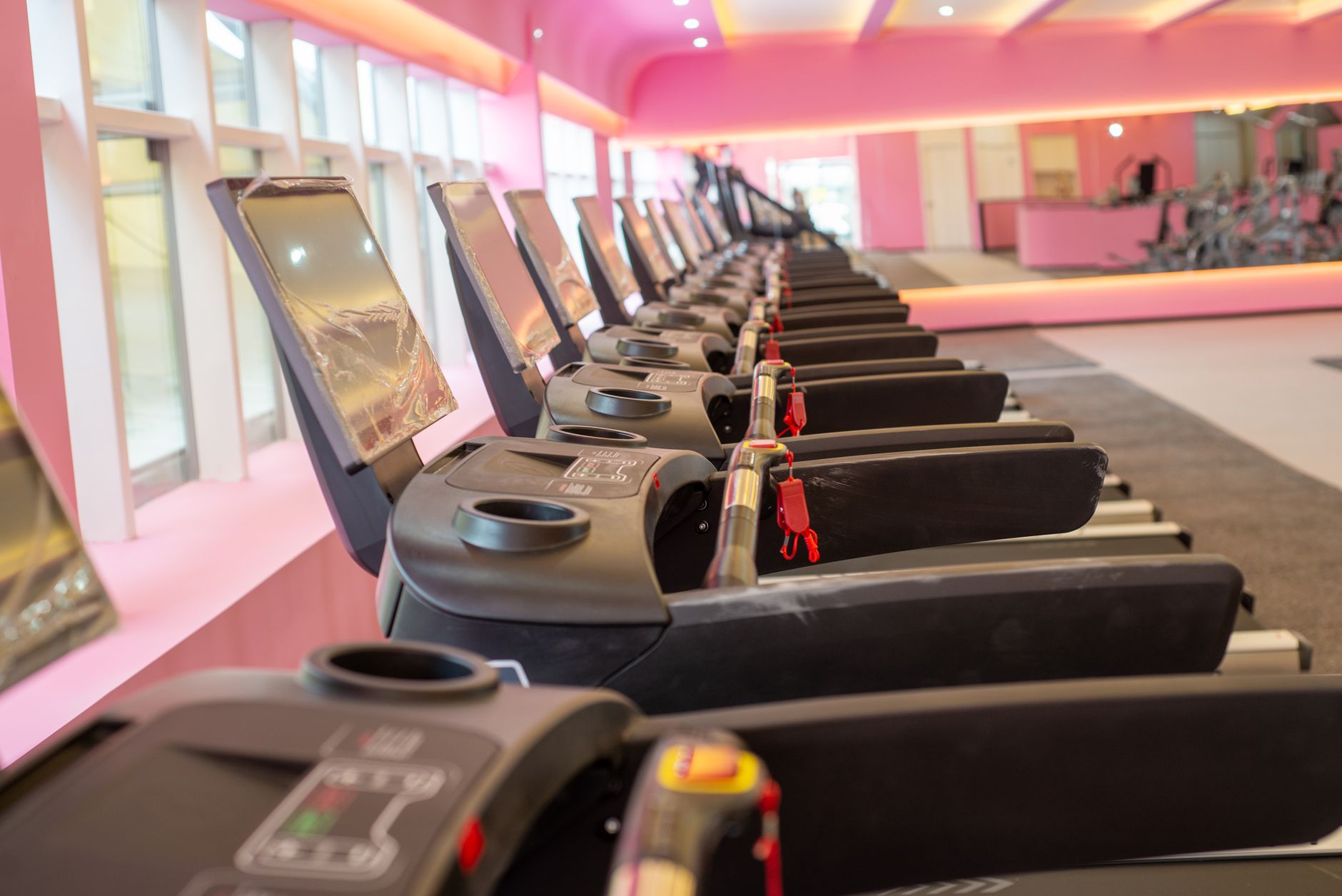
- The treadmill deck raises the guest. Someone walking on a treadmill is several inches taller than they are on the floor, and their head moves with every stride.
- Bikes put the guest lower. An upright or recumbent bike rider sits well below a treadmill user. If one screen serves both, favor the larger group or angle the screen so neither has to crane.
- Ellipticals bob. A small screen far away becomes hard to read when the guest's head is moving.
- Mirrors and windows add glare. A screen opposite a window can wash out in morning or afternoon light, and a mirrored wall can bounce that glare onto the machines.
Mounting height without the guesswork
Aim to put the center of the screen close to the eye line of a typical guest standing on the treadmill, with a slight downward tilt if it has to sit higher. Guests should look straight ahead or just slightly up, never sharply up the way they might in a sports bar.
A quick test saves rework. Tape a paper outline of the screen to the wall, then have two staff members of different heights walk on each treadmill and ride each bike for a minute. If either one tilts their head back or turns sideways to see the outline, move it before anyone drills. The commercial TV mounting and placement guide goes deeper on mounts, sightlines and wall types.
Keep screens clear of the equipment
Do not mount above the dumbbell rack or anywhere a bar, cable machine or medicine ball could reach. Plan a dedicated outlet and a concealed cable path behind the screen so no cords run along the floor near moving belts. If the room shares a wall with a pool or a steam room, ask your installer about humidity before choosing a location.
Screen size and count for a hotel workout room
In a compact room, more screen is not always better. A very large display a short distance from the treadmill forces guests to move their heads to follow the picture and makes captions harder to track. Size the screen so that captions and score bugs are readable from the farthest machine it serves, and no larger than the closest guest can take in comfortably.
Use the layout of the room, not the room's square footage, to decide how many screens you need.
| Room layout | Screen approach | Trade-off |
|---|---|---|
| Two or three machines facing one wall | One shared screen, centered on the machines | Simplest to manage; everyone watches the same channel |
| A longer row of machines facing one wall | Two screens, each centered on half the row | Two guests can watch different things; audio needs a plan |
| Machines facing different walls or an L-shaped room | One screen per sightline | More hardware and more remotes to keep track of |
| Cardio machines with built-in screens | Skip the wall screen or add one muted news screen | Machine screens vary by brand; confirm what they can show with your equipment vendor |
Commercial-grade displays are worth considering here. A gym screen may run most of the day, gets touched by sweaty hands and is wiped with cleaning products. Check whether a display's warranty covers commercial use before you buy, and look for models that let you lock settings, which matters for the next decision.
Who controls the channel
In an unstaffed gym, the guest is the operator. That is fine, as long as you decide how much control they get. There are three common approaches.
| Approach | Works well when | Watch out for |
|---|---|---|
| Locked to one channel | One shared screen, mostly morning traffic, a news-and-weather audience | Guests who want a game have no option |
| Guest-controlled, limited list | Most small hotel gyms | Needs a display or receiver that supports channel limits |
| Guest-controlled, full access | Larger rooms with personal audio at every machine | Inputs get changed, settings get lost, remotes disappear |
The middle option suits most properties. Guests can choose among news, weather, sports and light entertainment, while you keep the input, volume ceiling and menus locked. Many commercial displays can also return to a default channel when powered on, so the first guest of the morning finds the screen where you left it rather than wherever last night's guest did.
A few practical habits keep guest control from turning into service calls:
- Tether or mount the remote, and keep a labeled spare at the front desk.
- Post a small card with the channel list next to the remote.
- Write a short reset routine the night auditor can follow if a screen shows the wrong input.
- Turn off built-in smart TV apps. They invite sign-ins, and a guest who logs into a personal account and walks away has left it open for the next person. Our notes on smart TV apps in business explain the other problems they cause.
On programming, think about who uses the room and when. Early risers usually want news, weather and overnight scores. Evening guests, especially on game nights, may want live sports. Matching the gym's channel list to what your lobby and breakfast area already carry keeps the property consistent and simplifies your account.
Audio in a small room nobody supervises
Sound is where hotel gym TVs cause the most friction. Two guests on neighboring treadmills want different channels, a third has music in their earbuds, and the room sits next to a guest corridor. Plan for that before installation.
Captions as the default
Turn closed captions on for every gym screen and leave the room sound off or very low by default. Most guests on cardio machines already bring their own music, and captions let them follow news or a game without anyone else hearing it. Our article on closed captions in restaurants, bars and hotels covers caption settings and placement.
Personal audio options
If you want guests to hear the TV, give them a personal path rather than turning up a speaker. Depending on the equipment, that can mean headphone connections at the machines or a wireless audio system guests reach with their own headphones. These add cost and setup, and they need a simple instruction card. The gym TV audio and headphones FAQ walks through how members hear individual screens.
If you do use room sound
- Give sound to one screen only, never two at once.
- Set a volume ceiling in the display settings so no one can push it past a comfortable level.
- Check what the sound is like in the hallway and any guest rooms that share a wall, especially late at night.
- Do not run background music and TV audio through the same space at the same time.
Common mistakes in hotel gym TV setups
Most problems in small hotel gyms are easy to avoid if you catch them during planning.
- Mounting at lobby height. A screen placed high on the wall forces treadmill users to look up for the whole workout.
- One big screen on a side wall. Guests have to turn their heads, which is uncomfortable on a moving belt.
- Consumer streaming devices plugged in. They bring sign-ins, pop-ups and updates that no one is around to dismiss.
- Loose remotes. A remote that walks out of the room turns a working TV into a dead one until someone notices.
- Visible cords near equipment. Cables along the floor are a trip hazard next to moving machines.
- Ignoring window glare. A screen that looks fine at noon may be unreadable during the busy early morning hours.
- Treating the gym as an afterthought. A separate setup bought on the side often ends up on a different account with its own remote, its own channels and no clear owner for support.
- No reset plan. If the night auditor does not know how to fix a wrong input, the screen stays broken until maintenance arrives.
For more on how cardio users actually watch, see gym TV setup for the cardio area.
What to ask a provider
Before you commit to equipment or programming for the fitness room, get clear answers to these questions:
- Will the gym screens be on the same commercial account as the lobby, breakfast area and guest rooms, or a separate one?
- Programming for public and common areas typically belongs on a commercial account. Which plan fits a fitness room, and can a specialist confirm it for this property?
- Where will the receiver live, and can it be kept somewhere locked so guests cannot reach it?
- Can channel lists, inputs and volume be limited for guest use, and who sets that up?
- Who handles mounting, cabling and outlet placement, and will they test sightlines from the machines?
- What are the support options when a screen goes dark at night, and what can front desk staff fix on their own?
- If you operate several properties, can every gym follow the same equipment and channel standard?
Sports Direct | DLM Media is an authorized commercial dealer with 30+ years of experience and technicians and engineers in all 50 states. We handle commercial programming, equipment, installation and support for hotels and give you one point of contact across every property. If you want to talk through your fitness room, guest rooms and common areas together, you can reach a programming specialist for a no-pressure conversation and a custom quote.