
On this page
Who This Is For and What You Will Decide
This is for practice administrators, radiology operations managers and facilities leads at outpatient imaging centers. That could be a single MRI and CT suite or a regional group with mammography, ultrasound and X-ray across several sites. Planning an imaging center waiting room TV setup involves two decisions, not one. The first is what plays in the main lobby, where people check in. The second is what plays in the small gowned area, where patients sit after they have changed and before they are called back.
By the end you should be able to decide:
- Whether each area needs its own screen, its own programming and its own rules
- What content belongs in each space and what to keep off the air
- Where screens should go, how loud they should be and who controls them
- What to ask a commercial provider before you sign anything
If patients at your center also wait after they are roomed, our guide on whether an exam room TV makes sense for patients covers that separate question.
Two Rooms, Two Jobs
The lobby and the gowned sub-waiting area serve different people in different states of mind. Planning them as one room with two TVs is an easy mistake to make, and patients feel it.
| Main lobby | Gowned sub-waiting area | |
|---|---|---|
| Who is there | Patients before check-in, drivers, family, sometimes children | Patients only, already changed, with phones and valuables often locked away |
| Mood | Restless, checking the time, filling out forms | Anxious, physically exposed, thinking about the scan and the results |
| Typical wait | Varies with schedule backups and paperwork | Often short but unpredictable, and it can feel much longer |
| Main distraction available | Their own phone | Often nothing but the screen |
| Best content | Calm, captioned general-interest programming; local news and weather in moderation | Gentle, low-stakes viewing: nature, travel, home and food, light classic entertainment |
| Sound | Low or off, captions on | Off or very low, captions on |
| Who controls it | Front desk | Technologists or the staff member who escorts patients |
The lobby is a shared public space. The sub-waiting area is closer to a private holding room, and the screen there carries more weight because it may be the only thing a patient has to look at.
Planning the Main Lobby Screen
The lobby is where most centers already have a TV, and it often runs on autopilot. A few deliberate choices make a real difference.
Pick a steady default
Choose a primary channel that is calm and broadly appealing: general-interest, home and garden, travel, cooking or a measured news and weather format. People should be able to glance at it between clipboard questions and look away without missing a plot. Long-form drama and anything built around cliffhangers tends to frustrate people when their name is called mid-scene.
Be careful with live news
A steady news and weather channel is fine on most days. On heavy news days it can make a waiting room tense, which is the opposite of what you want before someone has to lie still in a scanner. Decide in advance who at the front desk has authority to switch to a calmer channel, and when. Our office breaking news plan walks through setting those rules ahead of time.
Captions on, volume low
Lobbies are full of conversations: insurance questions, scheduling, families talking. Captions let the screen work without competing with the front desk, and they help patients who are hard of hearing. Keep the volume low enough that staff can speak to a patient at the counter without raising their voice.
Think about who sits there longest
Drivers and family members often stay in the lobby for the entire appointment, sometimes longer than the patient waits anywhere. They are the audience that actually watches. If your center does many longer studies, a second lobby screen tuned to a different calm channel in a separate seating cluster gives companions a choice without a fight over the remote.
Planning the Gowned Sub-Waiting Area
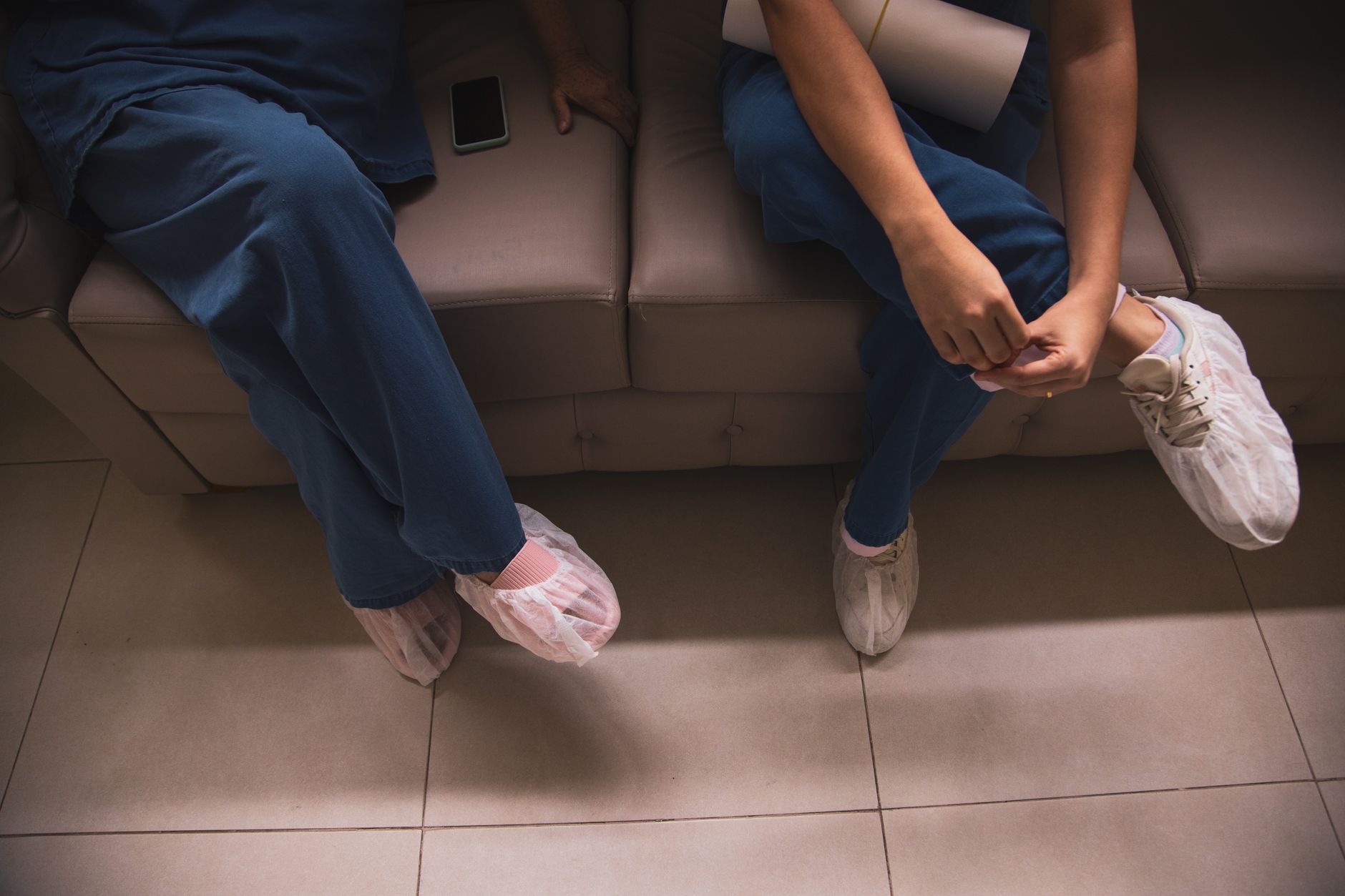
This space is easy to overlook, and it is where a thoughtful screen does the most good. A patient in a gown, with clothes and phone in a locker, sitting a few steps from the scanner, is often more nervous than they let on. Some are uneasy about enclosed spaces. Some are waiting on a scan that will confirm or rule out something serious. Some are drinking oral contrast before a CT and have more time to sit than they expected.
Content that settles people
Aim for programming that asks nothing of the viewer and carries no emotional surprises:
- Nature and wildlife scenery
- Travel and destination programming
- Home renovation and cooking
- Light classic entertainment people already know
Keep it off the air if it could land badly with someone waiting on a diagnosis:
- Medical dramas, hospital reality shows and health news segments
- Crime, disaster coverage and graphic news footage
- Talk shows that may wander into illness, loss or personal crises
- Anything with frequent loud ad breaks
The test is simple: would this be uncomfortable to watch while sitting in a gown, thinking about a lump or a shadow on a previous film? If yes, it does not belong in this room. Other sensitive settings follow the same logic; our page on fertility clinic waiting room TV shows how one sensitive room shapes content choices.
Sound and privacy
Technologists call patients by name, confirm identity and sometimes ask screening questions in or near this area. A loud TV makes those exchanges harder and can push staff to speak more loudly than privacy allows. Run this screen muted or nearly so, with captions on. A quieter room also helps patients hear when they are called.
Placement
- Mount the screen where seated patients can see it without craning, and where it does not face changing room doors or the corridor to the scan rooms.
- Avoid glare from overhead lights or windows; patients cannot easily move seats in a small room.
- Keep screens and their wiring in the waiting area, not in the scan room or controlled MRI zones. Review any equipment planned near an MRI suite with your MRI safety officer and facility team before installation.
- If the room is shared by patients of different genders, consider seating and screen angles so no one feels on display while watching.
Who controls it
A guest remote in a gowned area tends to wander, end up on an unsuitable channel or disappear. A setup where staff set the channel and patients cannot change inputs or open apps keeps the room consistent. Consumer smart TV features bring their own problems in a clinical space, from pop-ups to account prompts; see why smart TV apps cause trouble in business settings.
Decision Checklist for Both Areas
Work through these with your operations and facilities leads before talking to a provider.
- Map the patient path. Check-in, lobby, changing room, sub-waiting, scan room, discharge. Mark every spot where someone sits and waits.
- Count the screens you actually need. Usually one or two in the lobby and one in each gowned area. Some centers have separate sub-waiting rooms for MRI and CT; each may need its own screen.
- Assign one job to each screen. Lobby: calm general viewing for patients and companions. Sub-waiting: gentle, low-stakes distraction for gowned patients only.
- Write a short content rule for each. Two or three lines the front desk and technologists can follow without asking a manager.
- Set sound defaults. Lobby low with captions; sub-waiting off or very low with captions.
- Decide who controls each screen. Name a role, not a person, so the rule survives staff turnover.
- Check sight lines and privacy. Screens should not face changing doors, the scan corridor or registration windows.
- Plan for pediatric days. If you image children on certain days, decide whether a lobby screen switches to family programming and who switches it back.
- Think about multiple sites. If you run several centers, decide whether every site follows the same plan so patients have the same experience everywhere.
When screens in different rooms need different programming and different control, it helps to plan by zone rather than by TV. Our multi-zone setup guide explains that approach in more detail.
Common Mistakes to Avoid
- One channel everywhere. Mirroring the lobby's news channel into the gowned area puts headline anxiety in front of the most anxious people in the building.
- No screen in the sub-waiting area at all. Patients without phones end up staring at the wall, the clock or the scan room door. Even a small, well-placed screen helps.
- Using a consumer account at a business. Consumer TV service is set up for private home viewing, not for a medical practice's lobby. Commercial service is built for business locations; if you are unsure what applies to your setup, confirm with a specialist rather than assuming.
- Leaving content to whoever grabs the remote. A single patient or companion can change the room for everyone. Staff-controlled screens prevent that.
- Volume creep. Each nudge of the volume makes sense in the moment. By afternoon the lobby is loud and staff are raising their voices to call names. Set a default and check it daily.
- Ignoring the people who wait longest. Companions in the lobby often spend more time watching than patients do.
- Mounting before planning sight lines. A screen that faces the changing area or reflects window glare is costly to move later.
What to Ask a Commercial Provider
A good provider should be able to answer these clearly and in writing:
- Can each screen in the lobby and sub-waiting areas run different programming under one business account?
- Can staff lock channels or inputs so patients cannot change them?
- What programming suits a medical waiting room, and can we review the current lineup before choosing?
- Is optional on-screen messaging available, such as general prep reminders or wayfinding, and what are its limits?
- Who installs the equipment, and will the installer coordinate with our facilities team on placement near imaging suites?
- What does support look like when a screen goes dark during clinic hours, and who do we call?
- If we open another site or relocate a suite, how is that handled?
- For a multi-site group, how are installation and support handled across locations in different markets?
Sports Direct | DLM Media is an authorized commercial dealer and one of the original six commercial DIRECTV dealers, with 30+ years of expertise and technicians and engineers in all 50 states. You can see how we approach commercial TV for medical office waiting rooms and larger systems with lobbies and surgical waiting areas in hospitals, or review our full range of programming, equipment, installation and support services.
When you are ready, talk with a programming specialist about a plan for your lobby and gowned areas, and ask for a custom quote built around your layout.