
On this page
What blood donation center TV is really for
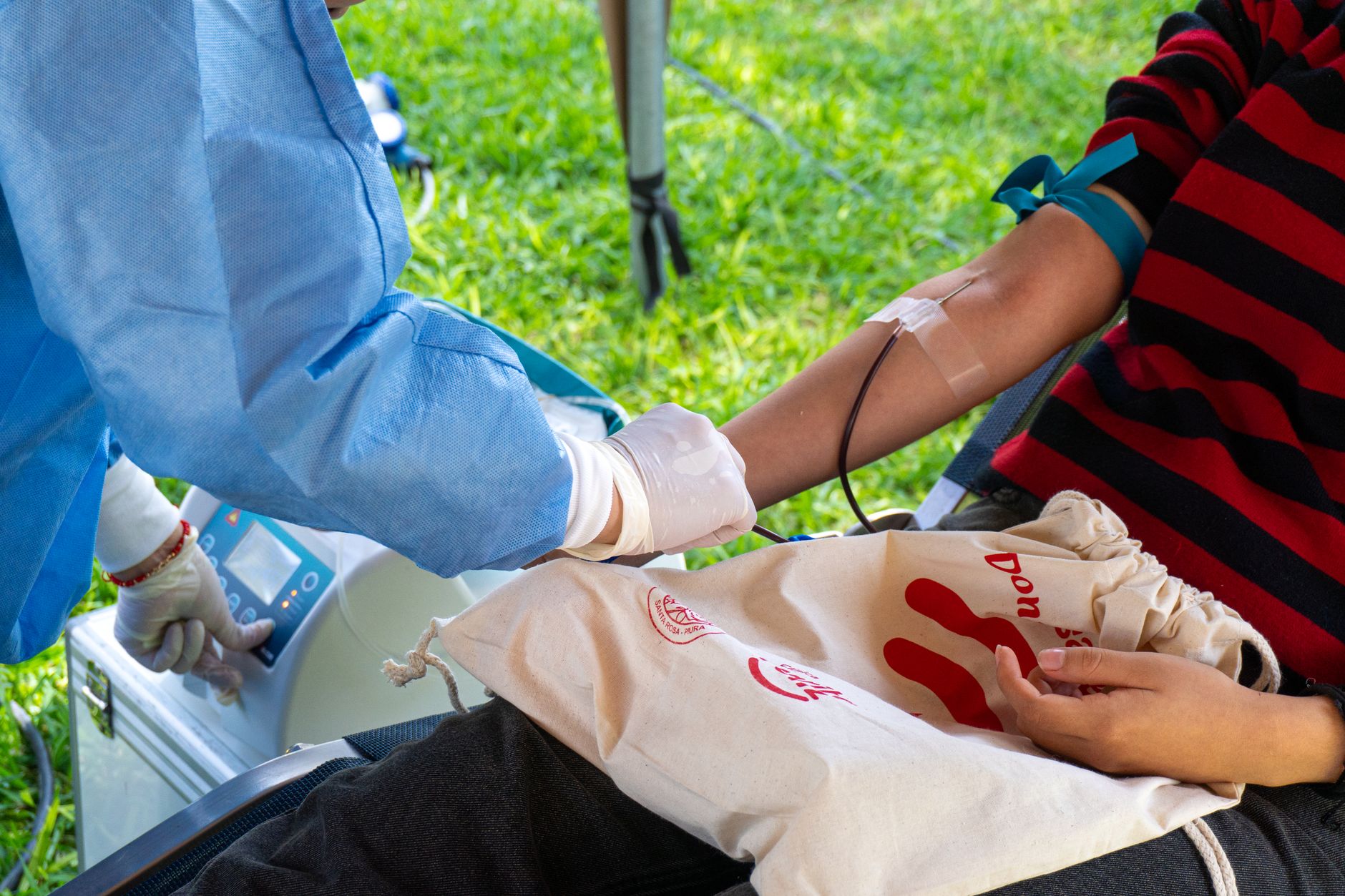
Donors give you their time and their arm. Most arrive relaxed, but some are nervous about the needle, and almost everyone wants to skip the rest period once they feel fine. Well-planned blood donation center TV helps with both. A screen at the chair gives a donor somewhere easy to look besides the collection line. A quiet screen in the recovery area makes sitting a little longer feel like a break instead of a delay.
The point is not entertainment for its own sake. You want a calmer donor, a recovery area people actually use, and staff who can watch donors instead of fielding remote requests.
Who this setup fits
- Community and regional blood centers with a fixed donor floor, a canteen and a steady mix of walk-ins and appointments.
- Plasma centers, where collection takes longer and many donors come back often. Variety matters more when the same person sits in your chair every week.
- Hospital-based donor rooms that share space and wiring with clinical areas and need equipment that fits hospital routines.
- Multi-site blood networks that want every location set up, programmed and supported the same way, with one point of contact.
- Centers that host community drive days in a meeting room or canteen that doubles as recovery space for the day.
If your organization also runs clinic or exam-room waiting areas, our approach for medical office waiting rooms covers that side.
What good looks like at each stage of the visit
A donor's visit has distinct stages, and each one calls for a different kind of screen.
| Area | Viewing type | What to show | Sound |
|---|---|---|---|
| Check-in and waiting | One shared wall screen | Captioned local news and weather | Off, captions on |
| Health screening booths | Usually none | Privacy comes first | None |
| Donor chairs | Individual screens, or small shared screens per row | Light general-interest shows from a short approved list | Personal audio or off |
| Recovery and canteen | One or two shared screens visible from every seat | Easygoing programming in short segments | Low, or captions only |
Donor chair TV
Start with where a reclined donor naturally looks. The screen should sit in that line of sight, so a donor's eyes settle on the picture rather than on tubing, bags or monitors. Mounts and arms must stay clear of the phlebotomist's working space, and they should never block staff from seeing a donor's face, because staff keep an eye on donors throughout collection.
Content matters as much as placement. Skip medical dramas, graphic crime shows and anything likely to show blood, needles or injuries. Travel, nature, cooking and lighthearted general-interest shows suit most donors. A short list of approved choices lets plasma regulars pick something new without staff stopping to change channels.
Blood drive recovery area screens
Recovery is where a screen earns its place. A donor who feels fine wants to leave, and a screen showing short, easy segments gives them a natural reason to finish their snack and their rest. It also hands staff a friendly line: "Grab a drink and catch the end of this one."
Arrange seating so donors face the screen and staff can see every chair from their station. Keep captions on so the programming works over canteen chatter. The same thinking behind running salon screens with captions on and sound off applies here.
Plasma center waiting room TV
The waiting area does its job with captioned local news and weather. Keep screening booths screen-free. Those are private conversations, and a TV in the room works against that.
How we plan it with you
Sports Direct | DLM Media is an authorized commercial dealer with 30+ years in commercial TV and is one of the Original 6 commercial DIRECTV dealers. The process is consultative and built around how your floor actually runs.
- Assess the space. We look at chair layout, recovery seating, existing wiring, staff stations and donor flow, on site or from floor plans and photos. For networks, we review every location together.
- Design by viewing type. We decide which spots get individual screens, which get shared ones, what each can show and how sound is handled. Channel choices can be limited, so the content stays appropriate no matter who holds the remote.
- Install. With technicians and engineers in all 50 states, installs can be scheduled before opening or on non-collection days, so donors and staff aren't working around ladders.
- Support. You get one point of contact for every location, whether you need a programming change, a receiver problem fixed or new chairs added.
See the full scope of programming, equipment, installation and support, or learn how commercial TV for business differs from a consumer account.
What to think about before deciding
- Commercial account. Consumer TV service is set up for homes, not businesses, so a donor center generally needs commercial service. What applies to your rooms depends on your setup, so confirm the details with a specialist.
- Cleaning and infection control. Choose mounts, arms and remotes your team can wipe down under your existing protocols. Fewer handheld remotes on the floor means fewer surfaces to clean.
- Sightlines and clearance. Every screen should leave staff a clear view of donors and leave room around chairs and equipment.
- Who controls content. Decide whether staff, donors or nobody changes channels, then lock the setup to match.
- Room to grow. If you plan to add chairs or open another site, map that into the design now so wiring and receivers don't have to be redone later.
- Weather days. If a storm rolls in, a recovery screen that can switch to local weather helps staff make calls about drives and walk-ins. Our notes on business TV during severe weather cover how to plan for that.
Centers with long chair times have a lot in common. Our dialysis center TV FAQ goes deeper on chairside screens and personal audio.