
On this page
How Screens Fit a Climbing Gym's Layout
A climbing gym TV setup works best when you plan it around how people actually move through the building. Climbers spend only part of a visit on the wall. The rest goes to checking in, lacing shoes, resting between problems, refueling at the café and hanging out after a session. Those are the moments a screen can add something. While someone is on the wall or holding a rope, it should add nothing.
Most facilities break down into a handful of zones, each with a different job:
| Zone | Who is watching | What the screen should do |
|---|---|---|
| Front desk and lobby | New visitors, parents, members waiting on friends | Set the tone, carry captioned general-interest or sports programming, sit near gym announcements |
| Café and lounge | Members who have finished climbing and want to linger | Live sports, news, climbing and outdoor content, the place for event viewing |
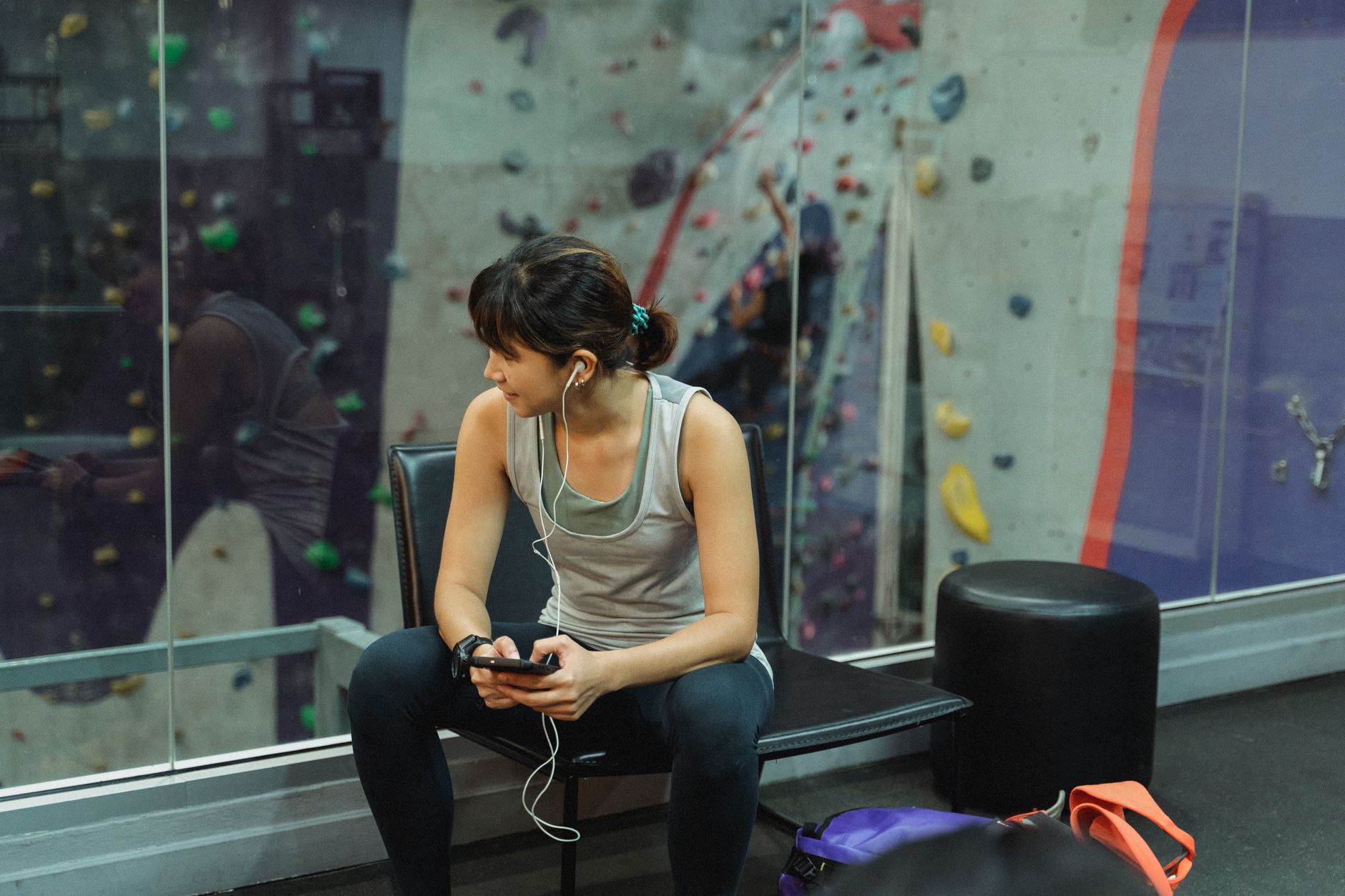
| Bouldering rest area | Climbers sitting on benches between attempts | Quiet, captioned, low-stakes viewing that is easy to glance away from |
| Roped climbing area | Climbers and belayers | Usually no TV programming at all |
| Fitness and training room | Members on cardio machines, hangboards or weights | Treadmill-style viewing, similar to any gym floor |
| Party and youth room | Kids, families, youth teams | Family-friendly content or a team's video review |
Thinking in zones also keeps programming simple. Each zone that shows something different needs its own receiver, which is why the receiver count rarely matches the TV count. If the lobby and café can share a feed, you save equipment; if the café needs the game while the lobby stays on news, plan for both. Our multi-zone venue planning guide walks through the same logic for larger buildings.
Keeping Screens Out of Climbers' Way
Placement in a climbing gym is a safety question before it is an entertainment question. A few principles hold in almost every building:
- Respect the fall zone. Nothing hard belongs above or beside the matted area where a climber could drop, swing or land awkwardly. Mount screens on walls that sit outside the mats entirely, facing inward toward the benches.
- Keep belayers looking up. A screen within a belayer's natural sightline is a distraction at exactly the wrong moment. In roped areas, the safest choice is usually no programming. If you want something there, keep it to a static display behind the belay line, not live sports.
- Leave room for route setters. Setters move holds, volumes and ladders on a regular cycle. A TV bolted near a setting wall or above a ladder path gets in their way and can get knocked. Ask your setting team which walls they consider off-limits before anyone drills.
- Run cables where nobody walks. No cords across mats, along bench edges or down a wall someone might lean a pad against. Route power and signal inside walls or through conduit.
- Watch the light. Many climbing gyms have tall windows, skylights or roll-up doors. A screen that looks fine at noon may be washed out at 5 p.m. Check glare at the hours you are busiest.
Sound deserves the same care. Climbers call out to partners, coaches give instruction and belayers need to hear "take" and "lower." Most gyms keep the climbing floor on background music or quiet and run captions on every screen. For members who want to listen, see how gym TV audio and headphone options work.
What Changes by Type of Climbing Facility
Not every climbing business looks the same, and the right screen plan shifts with the model.
Bouldering-only gyms tend to be open-plan, with a large matted floor and benches around the edges. Screens here usually live in the lounge or café and on one or two perimeter walls the benches face. The crowd skews social, so a café screen with sports or competition replays can become a reason to stay.
Full-service gyms with ropes, bouldering, yoga and fitness have more zones and more competing needs. Expect the fitness room to want a different feed from the café, and the yoga studio to want no screen at all. Plan programming by zone rather than adding TVs one at a time.
Climbing walls inside a larger venue, such as a family entertainment center or a multi-sport facility, need screens that fit the venue's overall tone. Family-friendly programming in shared areas matters more than climbing content.
Multi-location operators benefit from a standard: the same screen sizes, mounting heights, captioning defaults and channel plan at every site, adjusted only where a building's layout forces it. One point of contact across every location makes rollouts and changes far easier to manage.
What to Check Before You Install
Before committing to screens, walk the building with your operations lead and head setter and work through this list:
- Mark every fall zone and belay station, and rule those walls out first.
- Identify where people sit, wait and eat. Those are your candidate locations.
- Decide what each zone should show, and how many different feeds that means.
- Confirm whether staff need simple, locked-down control so the café TV cannot end up on something unsuitable during a kids' birthday party.
- Check glare at your peak hours.
- Plan cable paths and power before the wall is built or reset.
- Confirm you have a commercial account that fits how the screens will be used.
That last point often surprises gym owners who started with a consumer app or a home account on a single TV. Built-in smart TV apps bring pop-ups and sign-in prompts that do not suit a public space, and consumer service is not set up for business use. Sports Direct, an authorized commercial dealer, builds commercial TV packages for gyms and fitness venues and can help match programming, equipment and installation to your layout. When you are ready, talk with a programming specialist or call New Sales at 888-688-1699.