
Sports Direct | DLM Media
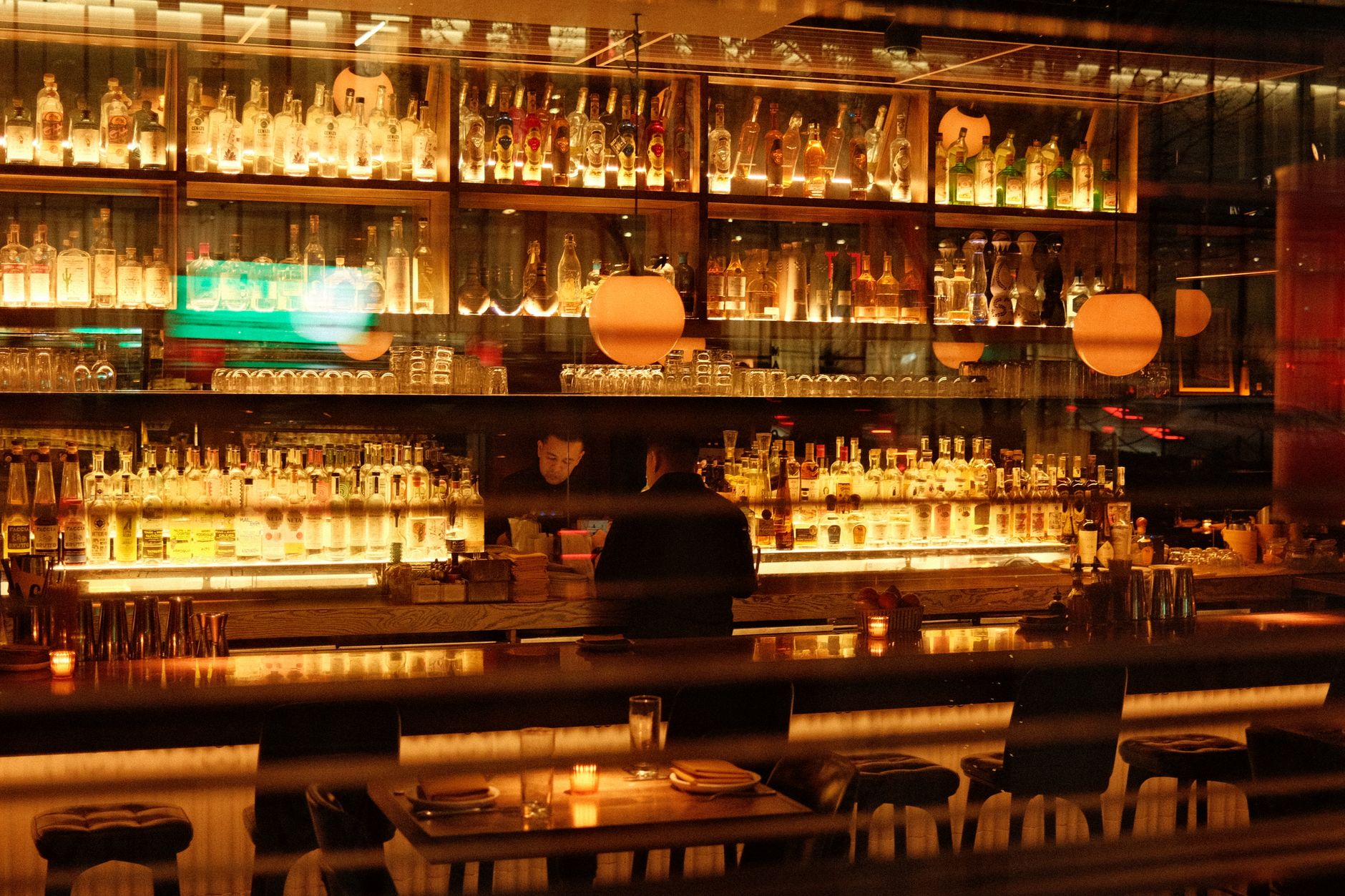
Warm and inviting bar interior in New York, featuring illuminated shelves of bottles and soft ambient lighting.
FAQ · Restaurants

TV Service for a New Restaurant: Questions First-Time Owners Ask

TV service for a new restaurant works best when you plan it alongside the buildout. Settle the commercial account, screen plan, wiring and dish approval before walls close. Then schedule installation and activation close to opening day so every screen is tested before the first guest sits down.

Reviewed October 18, 2026 4 min readBy Sports Direct | DLM Media
On this page

How the pieces fit together

First-time owners often treat TV as one line on the opening checklist. In practice, TV service for a new restaurant is five separate decisions, and they have to happen in a certain order:

  1. The account. A commercial account in the business's name, set up for how customers will see the screens.
  2. The programming. What each zone of the room needs to show, from live games at the bar to quiet, captioned channels in the dining room.
  3. The equipment and signal path. The dish location, the receivers, where they live and how signal and power reach every screen.
  4. The installation. Mounting, connecting, labeling and testing, ideally after the dust from construction has settled.
  5. The support. Who you call when a screen goes dark on a busy night, and how fast they can help.

The order matters because the early choices are easy to change and the late ones are not. Moving a planned TV on a drawing takes a minute. Moving it after the drywall is painted means opening the wall. That is why the wiring and screen plan belong in the design phase, while activation and final setup belong near the end. Our article on when to schedule restaurant TV installation walks through that timeline in detail.

What changes with your concept

The same building can need a very different setup depending on what kind of restaurant you are opening.

Sports-forward bar and grill

Here the screens are part of the product. Guests choose you because the game is on. Plan for several screens that can each show something different, sightlines from every bar stool, and a way for staff to change channels quickly when a game goes to overtime. Sound usually goes to one or two zones, not the whole room.

Casual or family dining

Screens set the mood rather than drive the visit. Fewer, well-placed TVs with captions on often work better than a wall of games. Many owners keep screens near the bar and away from booths where families want to talk. Our comparison of a sports bar vs. casual restaurant TV setup covers the trade-offs.

Fast casual and counter service

Dwell time is short, so screens near the ordering line or pickup area tend to carry news, weather or light sports with captions. Background music often matters as much as TV in these spaces, and a commercial background music service can be planned at the same time.

Patios, private rooms and back of house

A patio screen needs an outdoor-rated plan and a cable path that survives weather. A private dining room may need its own source so a rehearsal dinner is not stuck watching the bar's game. A TV in the office or break room is a different viewing situation from one guests can see, so mention it when you set up the account.

What to settle in each phase

PhaseWhat to settleWho is usually involved
Concept and leaseWhether the lease allows a dish, roof access, where screens might goOwner, landlord, broker
DesignScreen locations, viewing zones, equipment closet locationOwner, designer, TV provider
Rough-in, before drywallPower boxes, conduit and cable runs to every possible TV spotElectrician, low-voltage contractor
Late constructionAccount setup in the business's legal name, install date bookedOwner, programming specialist
Pre-openingMounting, activation, channel testing, staff walkthroughInstaller, manager

The rough-in row is the one owners most often regret skipping. Our guide to restaurant TV wiring before drywall explains what to ask your electrician for, and the TV equipment closet setup guide covers where receivers should live.

Where first-time owners lose time

  • Waiting too long on the landlord. Dish placement often needs written approval, and property managers can be slow. Ask early.
  • Putting the account in a personal name. Set it up under the business entity so it matches your other vendor accounts and is easier to manage if ownership changes.
  • Booking installation for the day before opening. Leave room to test every screen and fix anything that turns up, without crews tripping over the kitchen team.
  • Burying the receivers. Equipment stacked in a ceiling or a hot storage room is hard to reach and hard to keep cool.
  • Skipping the staff walkthrough. Someone on every shift should know how to change a channel and restart a receiver.

If you would rather have one team plan the screens, programming and install together, see how we approach commercial TV installation for restaurants, or talk with a programming specialist about your opening date.

Common questions

Answers to what people ask

No. Home service is meant for private viewing in a residence, not for showing programming to customers in a business. A restaurant needs a commercial account set up for its venue type and for where the screens are. The exact account type depends on your layout and how guests will see the TVs, so it is worth walking through the floor plan with a programming specialist before you sign anything.

Start during design, well before construction finishes. That is when screen locations, wiring and dish placement are easy to change. The account and installation date can come later in the buildout, but the physical planning should be done before walls close. Owners who start a few days before opening often end up with exposed cables, fewer screens than they wanted, or a rushed install during their soft opening.

Expect to provide the business's legal name, the service address, a contact who is authorized to make decisions on the account, and details about the venue such as layout and where screens will be. Having your lease and opening date handy also helps. A programming specialist will tell you exactly what is needed for your situation so the account is ready when installation is scheduled.

In most leased spaces, you should get written approval before a dish goes on the roof or wall. Many leases restrict roof access or exterior equipment. Ask early, ideally while you are still negotiating the lease, and get the approved location in writing. An installer can help you identify a spot with a clear view of the sky so the landlord is approving a workable location.

Yes, if the system is designed for it. Generally, each screen that needs its own channel needs its own source, so a bar showing three different games needs more receivers than a dining room showing one channel on several screens. Decide early which screens must be independent and which can share, because that choice shapes the equipment list and the wiring.

It is a good idea. Many current receivers can use a network connection for certain features, and a wired connection near the equipment closet makes setup and troubleshooting easier. Ask your low-voltage contractor to run a network drop to wherever the receivers will live, and keep the TV equipment on a connection your point-of-sale traffic will not crowd out. Your specialist can confirm what your specific equipment needs.

It happens to many new restaurants, so build in some flexibility. Let your TV provider know as soon as the date moves so installation and activation can be rescheduled. It usually makes sense to hold activation until you are close to opening rather than running service you cannot use yet. Keep the wiring on the original schedule, though, since it depends on construction, not on opening day.

Yes, and many first-time owners do. The key is to wire for the full plan now, even if you only mount a few screens at opening. With power and cable already in the walls, adding a TV later is a quick visit rather than a construction project. You may also need additional receivers if the new screens will show different channels from the existing ones.

Ask this before you sign, and get a clear answer about who handles a fix and when help is available. Sports Direct has technicians and engineers in all 50 states. For an existing account, General Support is 480-941-3703. Before opening, have your staff learn a simple restart routine and keep receivers labeled, since many issues can be cleared in minutes on site.

It helps. Both depend on where speakers, screens and equipment go, and both are easier to wire before drywall. Planning them together also lets you decide which zones get TV audio, which get music and which stay quiet. A dining room with music and captioned screens near the bar is a common setup that only works if the audio zones were thought through early.

A little. Treat your first location as the template: note screen sizes, placement, labeling and which programming each zone gets. When the second site opens, you can repeat what worked instead of starting over. It is also worth asking any provider how they would handle accounts, equipment and support across several sites, so growth does not mean juggling separate arrangements.

Ready when you are

Talk to a programming specialist

Tell us about your space and we will put together a tailored, no-pressure custom solution.

Free, no-pressure quote

Request a custom quote

Tell us about your space and a commercial programming specialist will follow up. No pressure, just a solution-focused conversation.

Photo by Reinaldo Simoes on Pexels.

Make every screen count

Talk to a commercial programming specialist and get a package built for your business.

Call nowGet a Quote