
What it means
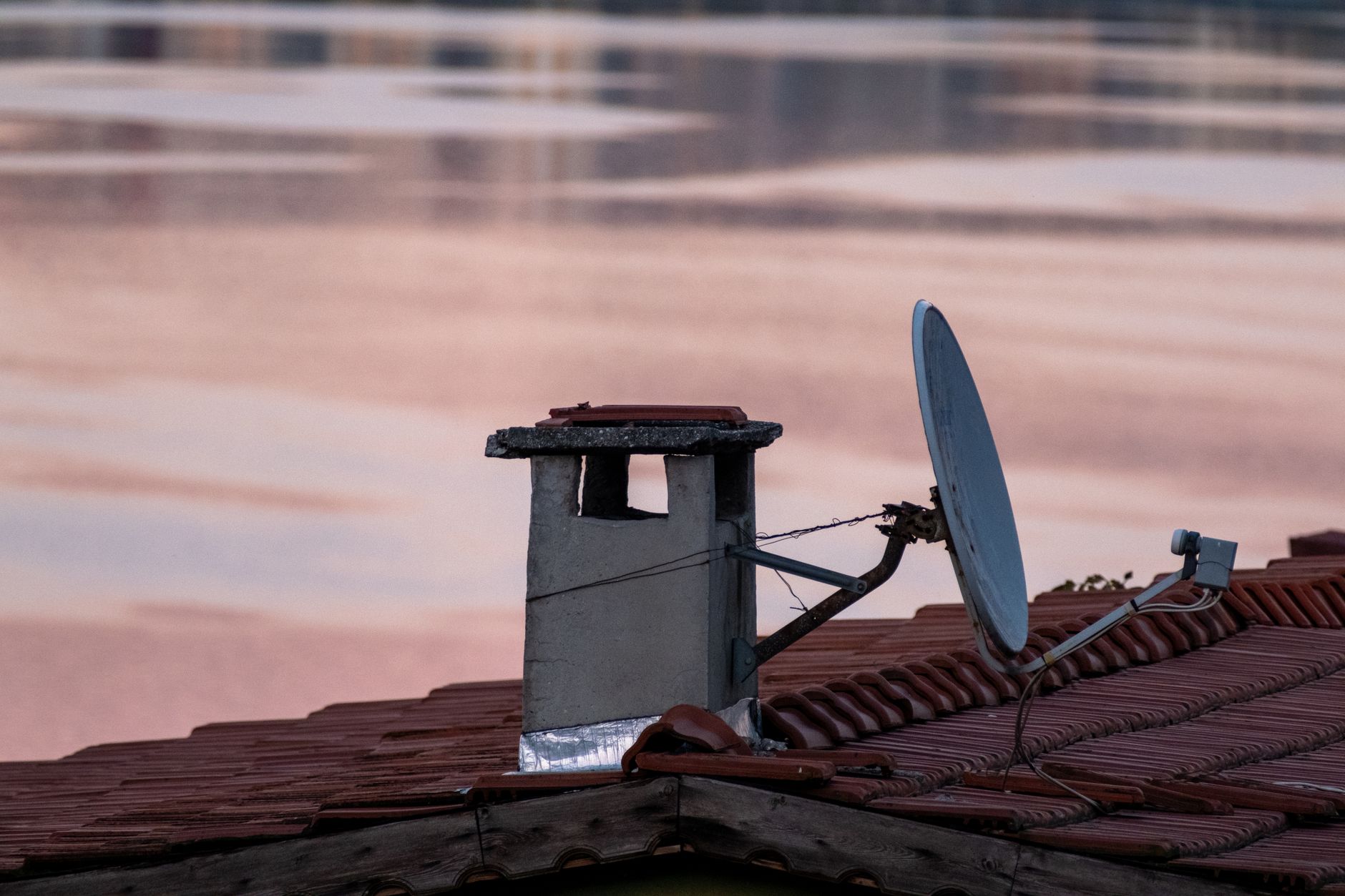
The receiver cannot get the satellite signal. DIRECTV describes this as the dish not communicating with the satellite.
Likely causes
- A loose SAT-IN cable or adapter between the receiver and the wall outlet
- Something blocking the dish's view of the sky, such as tree growth or snow
- Heavy rain, hail or snow interrupting the signal
Quick fix
- Check and hand-tighten the SAT-IN cable and every connection and adapter back to the wall outlet
- If the dish is easy to see from the ground, check that nothing blocks its view of the sky (do not climb on the roof)
- During heavy rain, hail or snow, wait for it to pass and see whether the error clears
- Reset the receiver with the red reset button, or unplug it for 15 seconds and plug it back in
- Check signal strength under Settings, Satellite, View Signal Strength, and call for service if it is low in clear weather
Still showing? Call Sports Direct General Support at 480-941-3703 (Gaming Support: 877-659-9257) if the steps do not clear it, or if signal strength stays low in clear weather.
Applies to: Receivers (all, or only some, on a property) · Satellite dish · SAT-IN cable
On this page
What error 771 means
Error 771 appears when a receiver cannot get the satellite signal. DIRECTV describes it as the dish not communicating with the satellite, which is why the screen often reads as if the receiver is searching for a signal. It is a signal-path problem, not an account problem, so changing the channel or the package will not clear it.
Where it shows up tells you a lot. If every TV in the venue shows 771, look at the dish, the line coming in from it and the weather first. If only some TVs show it, the dish is clearly still working for the others, so the cabling and connections at the affected receivers deserve your attention before anything else.
The three most common causes
The provider's published guidance points to a short list of causes:
- A loose or poorly seated SAT-IN cable, or an adapter on the cable, between the receiver and the wall outlet.
- Something blocking the dish's line of sight to the sky, such as new tree growth or built-up snow.
- Severe weather, including heavy rain, hail or snow, that interrupts the signal between the dish and the satellite.
If the error appears during a storm and clears by itself afterward, weather is the likely reason, and no repair is needed.
A fix routine that works on a busy floor
Work from the quickest check to the most involved, and stop as soon as the picture returns:
- Check the SAT-IN cable at the receiver and every connection between the receiver and the wall outlet, including adapters. Tighten each one by hand.
- If the dish is easy to see from the ground, check that nothing is blocking its view of the sky. Do not climb onto a roof to inspect it.
- During heavy rain, hail or snow, wait for the weather to pass and see whether the error clears.
- Reset the receiver using the red reset button, or unplug it for 15 seconds and plug it back in.
- Check signal strength from the receiver's menu (Settings, then Satellite, then View Signal Strength).
When the signal strength is low
The DIRECTV for Business guide for bars and restaurants gives a simple rule: if signal strength is lower than 70% when the weather is clear, call for service. A low reading in clear weather points to alignment, an obstruction or a cabling problem, and that is work for a technician rather than a staff member.
Keeping a picture on screen during an outage
Some commercial receivers support SignalSaver, which can switch eligible channels to an internet connection while the satellite signal is down. DIRECTV lists the H26K and H44 receivers as the ones that support it. Whether it fits your venue depends on your receivers and your internet connection, which is something a specialist can confirm during a free consultation. You can also read how we think about reliability on our DIRECTV for Business page.
Before the next big game
Most 771 calls happen at the worst possible moment. A short routine avoids that: walk each cable run once a month, make sure connectors are hand-tight, label the receivers so staff can tell which TV is which, and keep the support numbers where the manager on duty can find them. If a second error such as 775 (SWiM network not found) shows up alongside 771, the two often share a power or cabling cause, and our no-signal troubleshooting guide walks through both.
When to call for help
If the checks above do not clear the error, or signal strength stays low in clear weather, it is time for service. Call Sports Direct General Support at 480-941-3703. Gaming operators can reach Gaming Support at 877-659-9257.
Need a hand? Sports Direct support: Gaming Support 877-659-9257 · General Support 480-941-3703