
On this page
What coworking space TV service should do for you
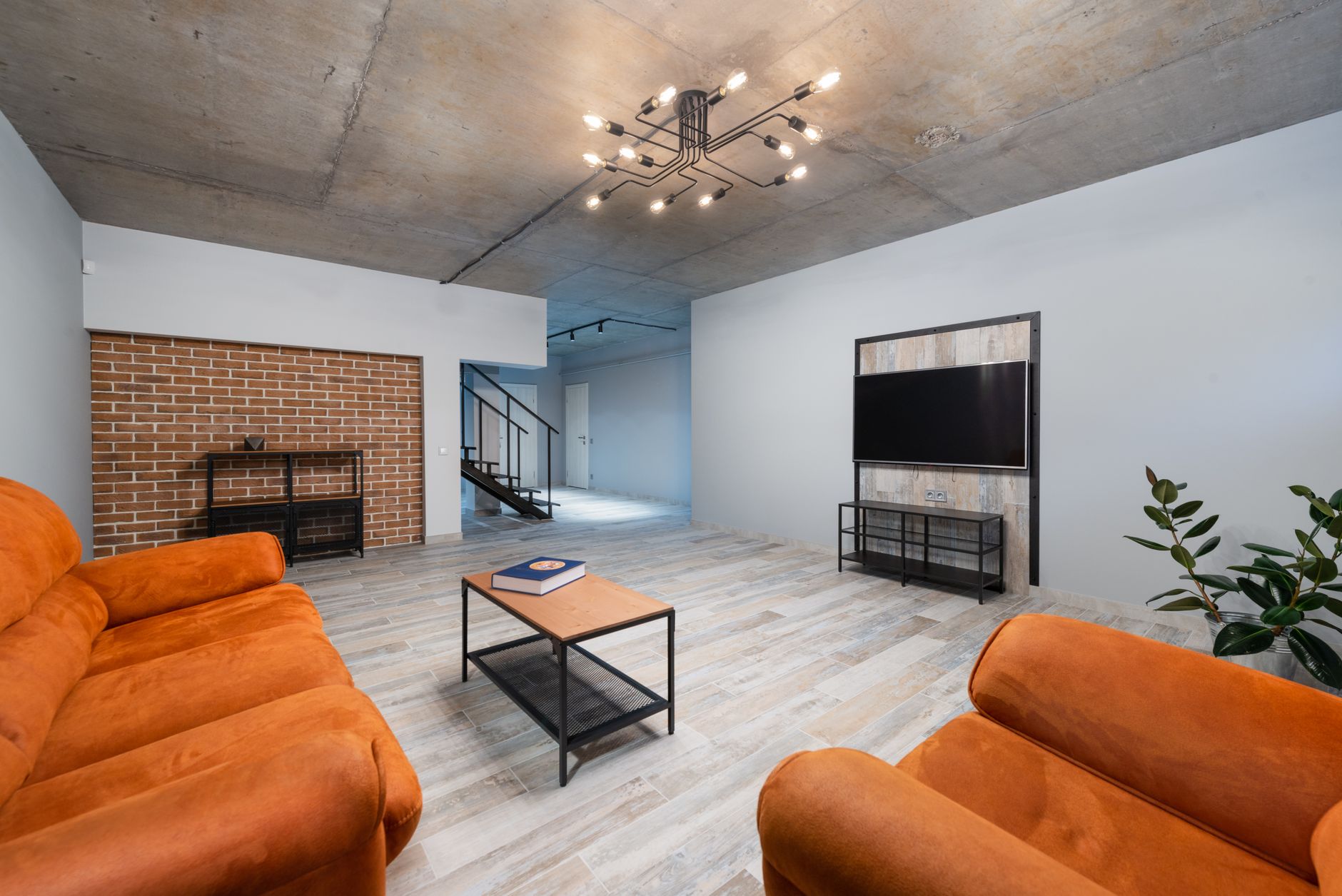
A good coworking space TV service supports the community you are building without competing with the work. Members come for focus, and they stay for the lounge conversations, the Thursday mixer and the afternoon the whole floor gathers for the game. Screens should help with the second part and stay out of the way of the first.
That means treating TV as part of the member experience, like coffee and good chairs. It also means running it on the right kind of account. Residential subscriptions are generally intended for personal viewing, and a commercial account is the appropriate route for a business, shared offices included. If you are not sure how your space should be set up, a specialist can help confirm the right account type. Sports Direct | DLM Media is an authorized commercial dealer with 30+ years of experience setting up commercial TV for business, so the account, equipment and programming are planned for a workplace from day one.
Who this service fits
Shared offices come in many shapes, and the right plan follows the shape of yours.
- Boutique single-site spaces. One lounge, one kitchen, maybe a small meeting room. A few well-placed screens and simple controls are usually enough.
- Multi-floor flagships. A ground-floor café, a community lounge, a large event room and quieter upper floors. Each zone needs its own approach so the event room can host a launch party while the fourth floor stays calm.
- Multi-location brands. Members expect the same experience in every city. Consistent equipment, programming and labeling make that possible, and a single point of contact keeps it manageable.
- Office buildings with an amenity floor. Landlords running a tenant lounge face many of the same questions as coworking operators, similar to what we see with apartment clubhouse TV service.
What good looks like in a shared space
The best setups are planned by viewing type, not by wall space. Here is how we typically think about each zone.
| Zone | What the screen is for | What works well |
|---|---|---|
| Member lounge | Background news, sports and general interest | Captions on, sound low or off, staff-set channels |
| Kitchen or café | Something to glance at while the kettle boils | Light programming, captions, no sound fights |
| Event room | Talks, launches, watch parties, community nights | Easy switching between live TV and a presenter's laptop, room audio |
| Reception | First impression for visitors and tours | Calm, on-brand content or quiet news |
| Phone booths and focus areas | Nothing | Keep screens out of sight lines and earshot |
Game days deserve their own plan. When a big matchup lands on a weekday afternoon, members will drift toward whatever screen shows it. Deciding in advance which room carries the game, and keeping the rest of the floor on regular programming, prevents a lounge full of people cheering next to someone on a client call. The same thinking applies to major news days; our office TV breaking news plan covers how to decide which screens switch over.
If you want the room-by-room layout detail, including screen placement around phone booth zones, our coworking space TV setup guide goes deeper.
How we work with you
Our process is consultative. You talk to one team from the first walk-through to the support call two years later.
- Assess the space. We look at your floor plan, how members actually use each area, where events happen, what equipment you already have and how your network and wiring are laid out. For multi-site operators, we review every location so the plan scales.
- Design by viewing type. Each zone gets programming, controls and audio matched to its job. We recommend which screens share a feed, which need their own and how the event room switches between sources. You get a custom quote built around that design rather than a one-size package.
- Install professionally. Technicians and engineers in all 50 states handle the installation, with receivers mounted neatly and, where it makes sense, kept in a secure closet so settings stay put. We schedule around member hours where we can, so the work does not disrupt a busy weekday.
- Support it after launch. Receivers freeze, a member moves a cable, or you open a new floor and need three more screens. Our commercial TV support service handles that kind of ongoing help at every location.
You can see the full range of what we provide, from programming to equipment and installation, on our services page.
What to settle before you decide
A few questions shape the right plan. Thinking them through early makes the first conversation more productive.
- Who watches, and who is in the room. A lounge used only by members and their guests may be set up differently from an event room you rent to outside groups or open for a public watch party. How that affects your account depends on the details, so walk through your event calendar with a specialist before you book the first public night.
- Who controls the screens. Shared remotes tend to wander and channels drift. Many operators keep control with the community team and let members request changes.
- Your sound policy. Captions-on, sound-off works for most open areas. Save room audio for the event space and set expectations in your member guidelines.
- Network and wiring. Some receivers rely on an internet connection for certain features. Your IT team or building manager should know what each zone will need before installation day.
- Growth. If a second location or another floor is on the horizon, choose equipment and a layout you can repeat. Consistency is what makes a multi-site brand feel like one community.
- The rest of the atmosphere. Some operators pair TV in the lounge with a managed commercial background music service in the café and entry.
Sports Direct is one of the Original 6 Commercial DIRECTV dealers, and you can read more about our background. Whenever it suits you, a programming specialist can talk through your floor plan and event calendar with no pressure. Reach out through our contact page or call New Sales at 888-688-1699.